Fun Way to Tame Your Day
The new Finalist is here! If you haven't tried it yet, dip your toe in: run Finalist alongside what you already use and let it quietly pick up what your current setup doesn't. It's a great way to visualize your calendars, reminders, and health data without committing to a whole new system.
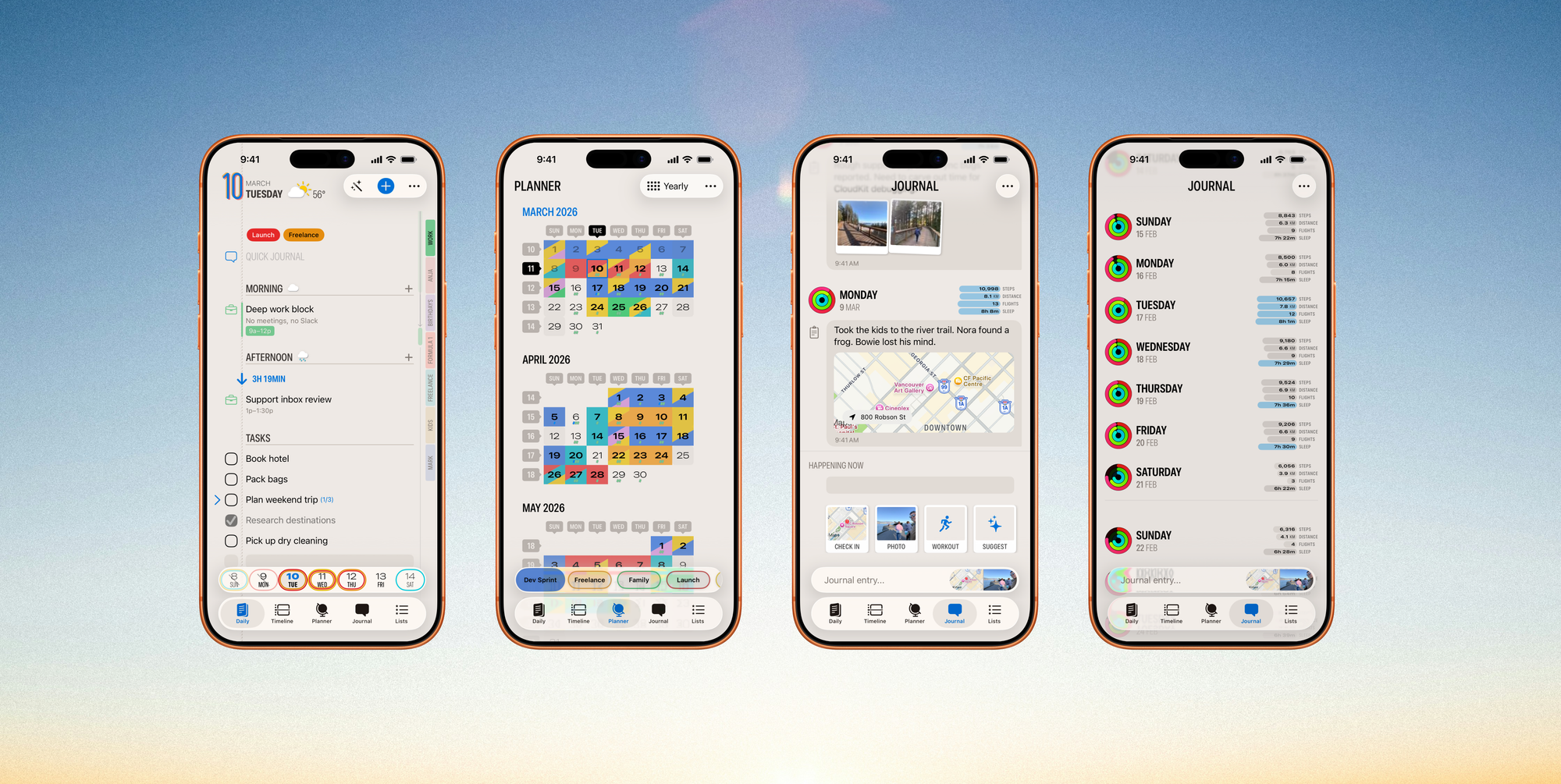
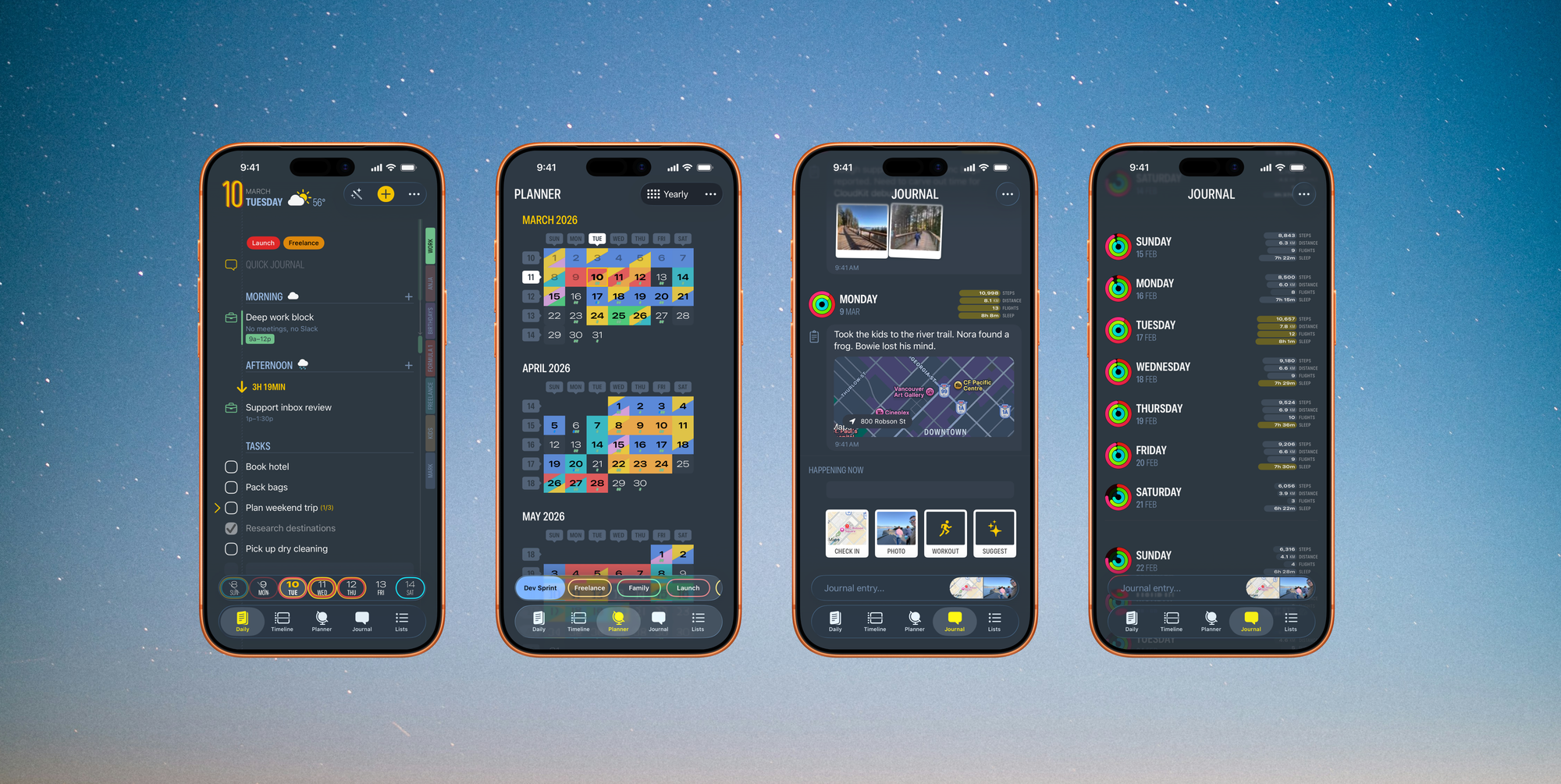
Finalist 3.6 is a massive update to your favorite day planner, now available in the App Store. Subtasks bring structure inside tasks. Calendar Bookmarks give you instant control over your calendars. Journal Quick Actions let you capture moments without slowing down. One tap to drop a pin where you are, attach your last photo, or log a workout. HealthKit turns the Journal into a simple way to understand your health goals. And Hear Summary now summarizes your day, weather and any tasks you might have missed yesterday from your Lock Screen, Siri, Shortcuts, and Control Center.
Subtasks
Tasks can now contain subtasks. Add steps inside any task, check them off as you go, reorder them, swipe to delete. They show inline in your task lists with a collapsible disclosure, so you get the detail when you want it and a clean view when you don't. It's a simple feature that was a bit overdue.
90-second tour of the latest Finalist
Calendar Bookmarks
Colored tabs now sit along the right margin of your Daily view. Each one represents a calendar, and a single tap toggles it on or off for the whole app. If your day looks crowded, long press a bookmark to isolate just that calendar. Everything else disappears.
You can also swipe the tabs up into a compact deck when you don't need them, and expand them back out when you do. Plan Solo hides shared and non-editable calendars with one tap, so you only see what's yours. You choose which calendars appear as bookmarks, so the bar stays useful and uncluttered. And it has all sort of smarts baked in, give it a play.
HealthKit in Journal
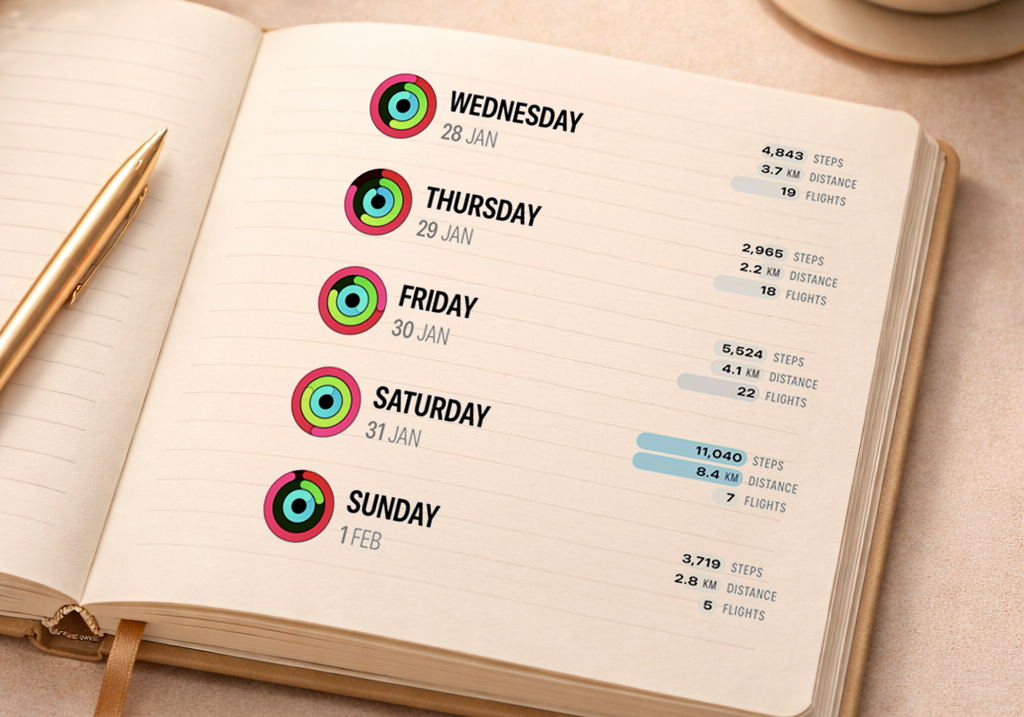
Open your Journal and you'll see your Activity Rings for the day, right alongside your journal entries. Bars show Steps walked, Distance covered, and Flights climbed. You can also enable Sleep and Resting Heart Rate from Settings. No need to switch to the Fitness app for simple stats. Your health data sits next to your reflections, giving you a glanceable snapshot of how each day actually went. The Journal becomes a health dashboard without trying to be one.
The bars are smart, too. They compare each day against your last 30 and highlight the ones where you landed in the top 10% for each category. Days that fall well below your best show up in softer colors. You get a feel for how today stacks up without needing to think about numbers.
Journal Quick Actions
Capturing moments is now a single tap. Map Check In drops a pin of your current location. Last Photo attaches the most recent photo snap from your library. Workout logs an exercise entry. These sit in a new accessory bar at the bottom of the Journal tab, with map and photo capsule thumbnails so you can see what you're about to add. If you've created an entry in the last minute, the action appends to it. Otherwise it creates a new one. Either way, friction is gone.
There's also a new optional setting on the Daily tab that connects your journal entries to calendar events. If you jotted down journal notes during a meeting, those entries show up right below that event on your timeline afterwards to complete the circle. You don't have to tag or link anything.
Hear Summary, everywhere
Hear Summary gives you a spoken briefing of your day in under two minutes: what's on your schedule, the weather forecast, and anything you didn't finish yesterday.
It used to live inside the app only but now you can trigger it from a Lock Screen widget, ask Siri ("Hear my summary in Finalist"), run it as a Shortcuts action, or tap the new Control Center button. There's also a deep link if you want to wire it into your own automations. I've been using the Lock Screen button most. It's become part of my morning.
Outstanding Tasks overhaul
We all let things slip. Outstanding Tasks now catches them for you, sitting at the top of your Lists tab with everything you haven't finished, organized by how long ago it was due. Tap into any date section (like "Past 3 months") and you can move tasks to today, reschedule them, complete them, or clear them out in bulk. Nothing gets lost, and no repetitive nags reminding you what you didn't finish three months ago.
Everything else
A few more things worth mentioning:
- Per-calendar notifications let you set different alert times for different calendars from Calendars settings
- Events margin pills show tasks, reminders, and habits as colored indicators alongside events in the right margin, with an option to show or hide them
- Dictate tasks by long pressing the Plus button. Say what you need to do, and Finalist will create Reminders. Mention a date or time and it gets scheduled automatically.
- Completed tasks can now appear in the Journal tab on the days you completed them
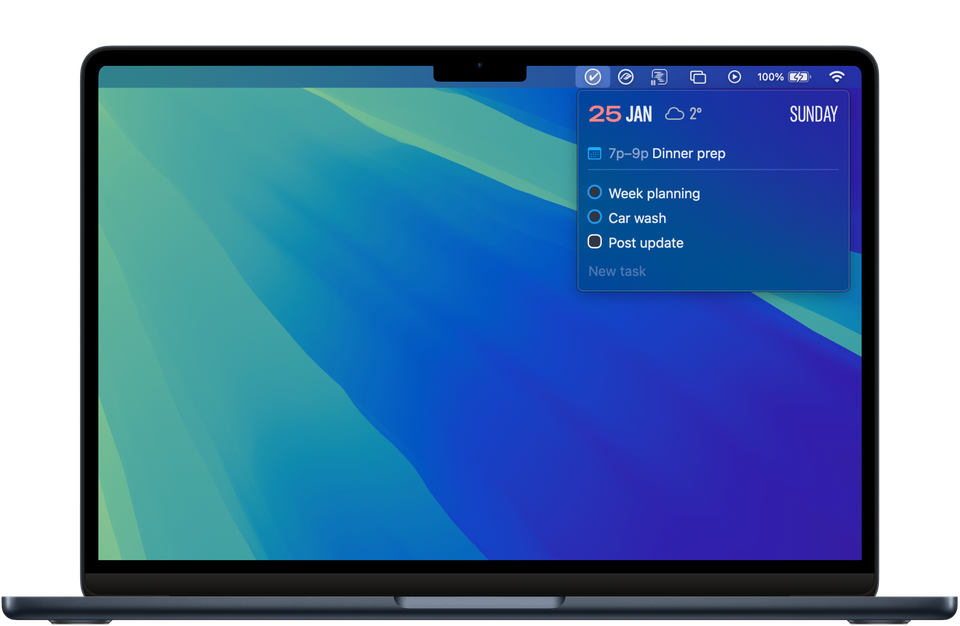
- macOS menu bar shows all-day events
- Revised inline task entry with a fast toolbar, easier time toggles, and a dismiss button
- Redesigned Daily Settings with a new list layout for accessibility
- Overhauled Deleted items with a restore button, item count, and clearer actions
- New Edit menu on swipe right
- Search opens with keyboard immediately, and shows incomplete items first with completed ones folded below
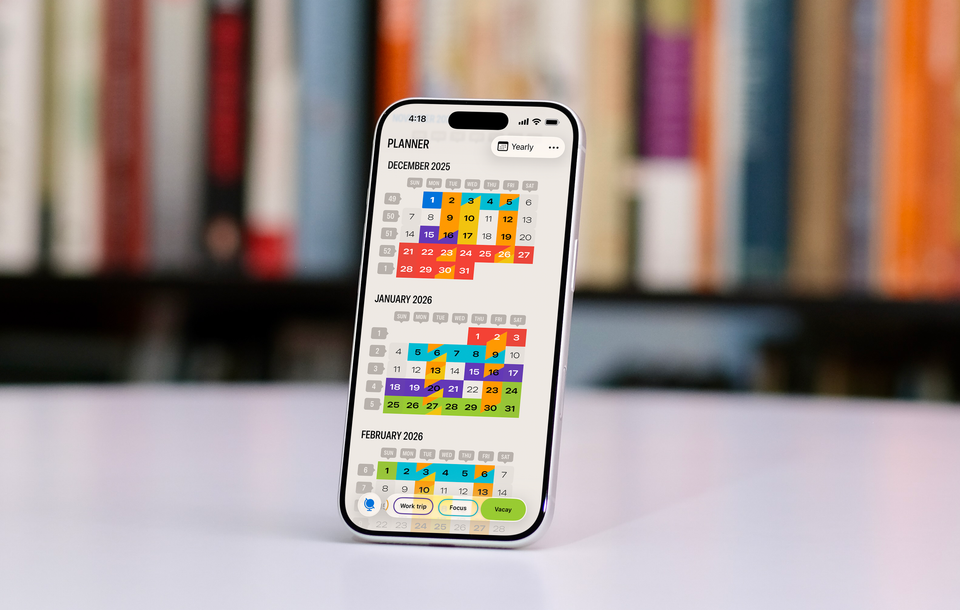
- Extended Yearly Planner to 3 years ahead
- Task counts on Tagged list entries
- Plus countless performance and layout improvements across the app
Get it
Finalist 3.6 is available now on the App Store. It's a free update for existing users.
If you're new, there's a free trial. Give it a week. I think you'll like how it feels to see your whole day in one place.