The Missing Half of a Daily Planner
How I added notes to Finalist, with native notes and folder-backed markdown side by side.
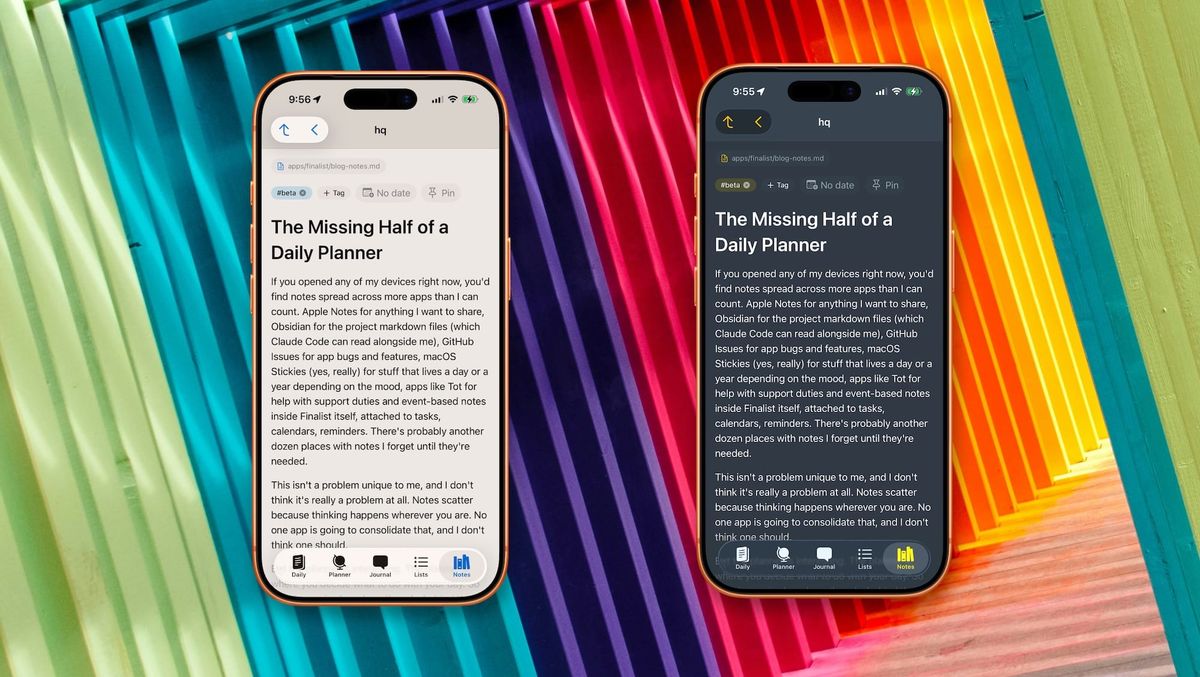
If you opened any of my devices right now, you'd find notes spread across more apps than I can count. Apple Notes for anything I want to share, Obsidian for the project markdown files (which Claude Code can read alongside me), GitHub Issues for app bugs and features, macOS Stickies (yes, really) for stuff that lives a day or a year depending on the mood, apps like Tot for help with support duties and event-based notes inside Finalist itself, attached to tasks, calendars, reminders. There's probably another dozen places with notes I forget until they're needed.
This isn't a problem unique to me, and I don't think it's really a problem at all. Notes scatter because thinking happens wherever you are. No one app is going to consolidate that, and I don't think one should.
But the planner is interesting. The planner is where you decide what to do with your day. So the planner is also where the why behind those decisions should be a tap away: the meeting prep, the half-thought, the quote you wanted to keep, the project journal entry from last Tuesday. For most of Finalist's life, that context lived elsewhere. You'd leave the app to read it, then come back to plan around it. The next release closes that loop.
Why notes love dates
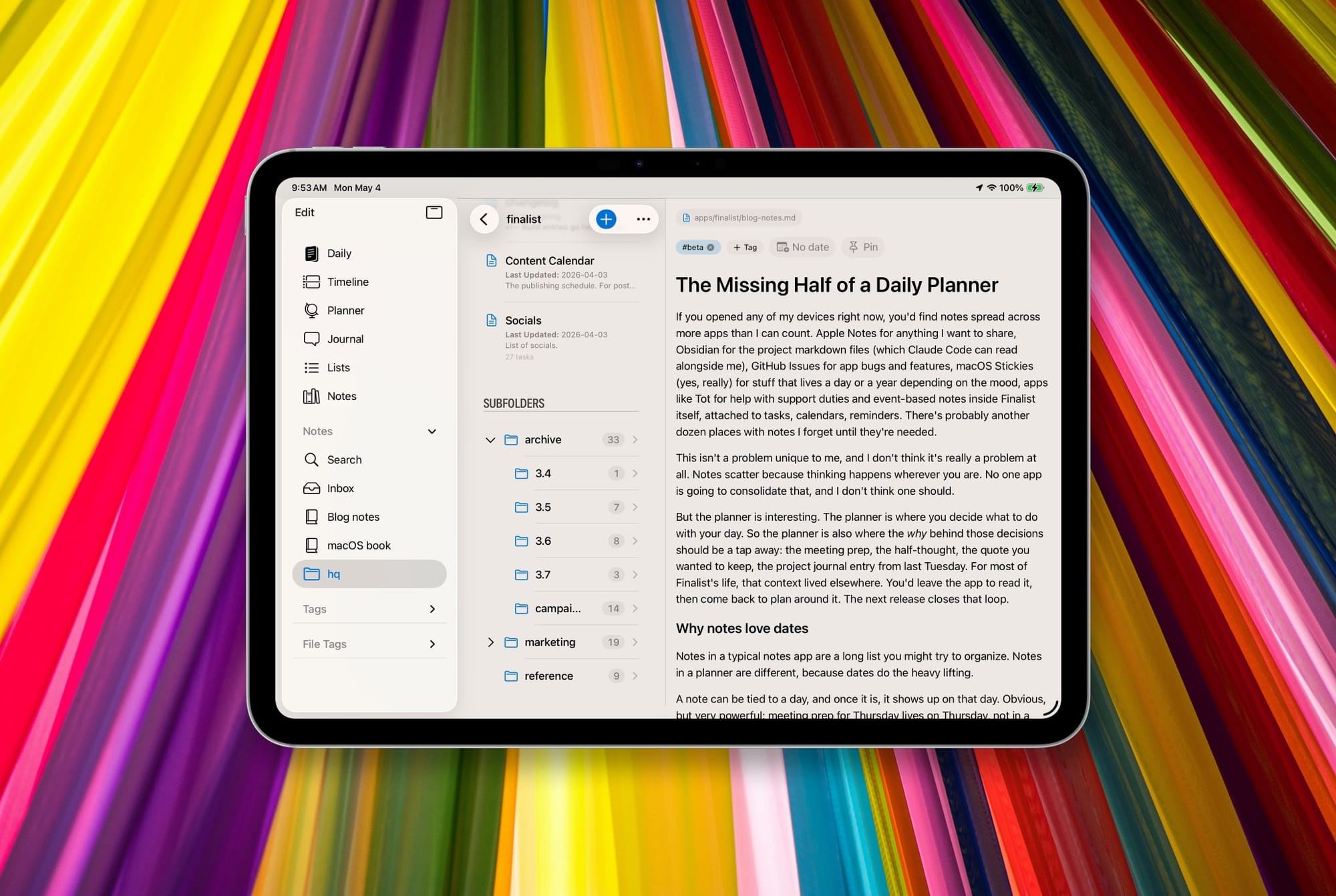
Notes in a typical notes app are a long list you might try to organize. Notes in a planner are different, because dates do the heavy lifting.
A note can be tied to a day, and once it is, it shows up on that day. Obvious, but very powerful: meeting prep for Thursday lives on Thursday, not in a folder you have to remember to open. Finalist notes can also carry tasks, dated or not, and those tasks fold into your Daily and Planner views the same way any other task would. Notes can also nest other notes, each carrying their own tasks. Dates keep the whole thing manageable.
Once notes are inside a planner, they stop feeling like notes; they become the glue that gets you through the week.
Why markdown
Choosing the format for Finalist notes would have been tough a few years ago. How an app manages and stores your notes is the most important decision it makes, and it's mostly inaccessible to the person using it. Rich text, embedded images, drawings, slash commands, database blocks: all wonderful in different ways.
Markdown gives those up in exchange for portability. It's a format that has survived decades of editors and that GitHub, Obsidian, Logseq, and every AI agent already speak fluently. You lose inline images and fine styling control. You gain the ability to take your thinking anywhere, and to hand it to the tools that increasingly read alongside you. Honestly, it was no contest.
Files are important
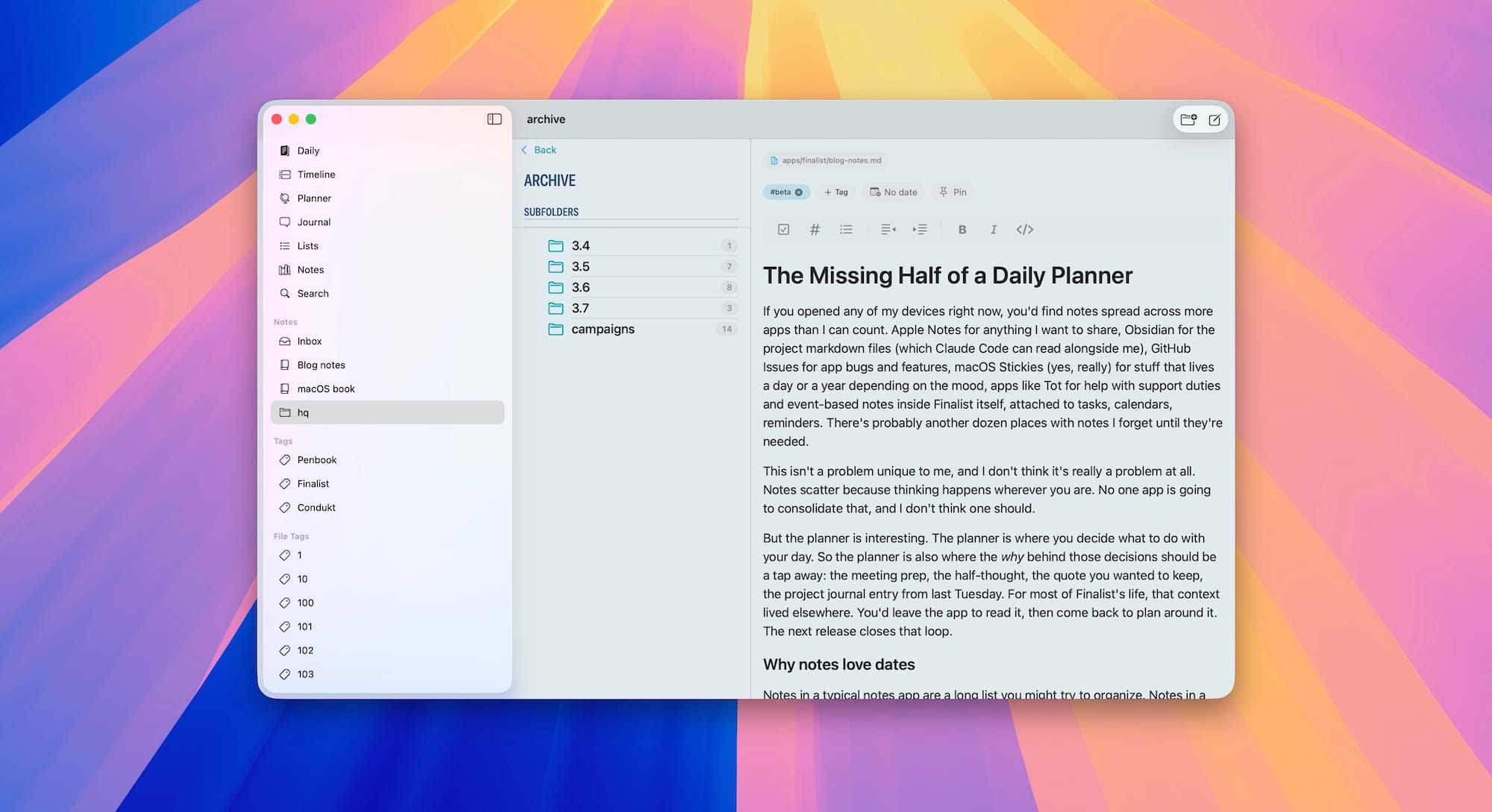
Most of my serious project work lives in plain markdown files. That setup has been a huge unlock, mostly because Claude Code can read and write those same files. My planning, my thinking, and my AI tools share the same surface. Unfortunately, a lot of my notes in other apps stay siloed. So when I started working on notes for Finalist I didn't want a feature that pulled me back into a closed database.
Finalist's notes will be two things in parallel. There are native notes, stored in Finalist's own database and synced through CloudKit, which work the way you'd expect any modern notes app to work. And there are folder-backed notes: point Finalist at any folder of markdown files (an Obsidian vault, a folder in iCloud Drive, anywhere) and those files become first-class notebooks inside Finalist. They stay where they live, in their own files, syncing the way they already did. Markdown tasks inside them render as real Finalist tasks, and if they're due today you'll see them on Daily tab; if you complete them the markdown updates underneath. Frontmatter is read and written, with unknown keys preserved so your existing Obsidian or Logseq or whatever setup keeps working untouched.
This is the part I'm most excited about, and the part I think matters most as more of our work gets shared with AI tools. I open my planner a dozen times a day, and now it reaches into the same files Claude Code does. And it syncs up my thoughts and plans with my schedule.
There's also an MCP server in beta that brings everything together without needing the app running.
What's coming, and a small ask
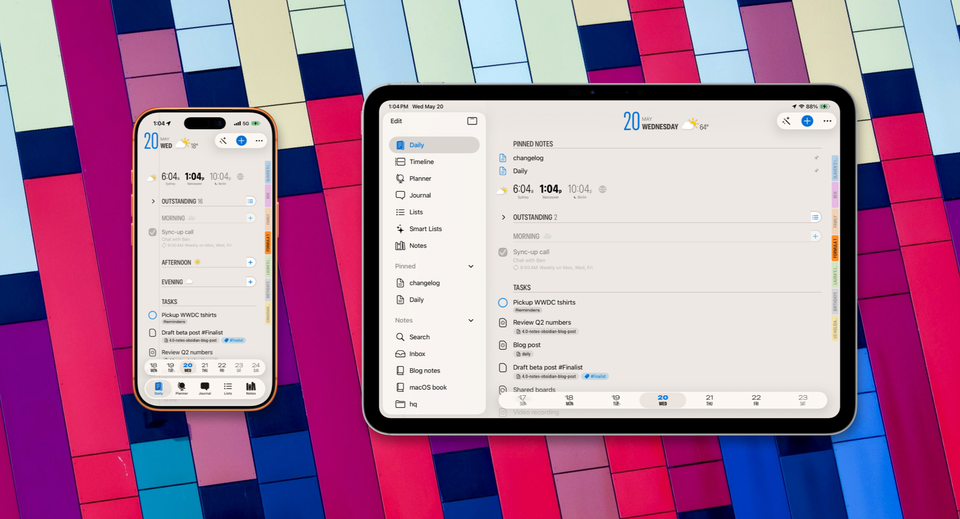
The release is in active development and currently in beta. There's a Notes tab with notebooks, sub-notebooks, an Inbox, tags, and search. You can dictate notes straight from Today, with a small local model that titles it and pulls out any tasks you rambled into. There are App Intents for Shortcuts and Siri so you can capture without opening anything. Pinned notes sit on Daily next to your tasks.
The notes UI is progressing quickly, and the people in the beta right now are shaping it. If the idea of notes-in-a-planner sounds interesting to you, or if you've got opinions about how a planner should sit alongside your markdown setup, come and join us at https://finalist.works/beta. It's iOS 18+/macOS 15+ only.
If you care about notes, and the future of note taking in the age of AI agents, come along for the ride.