Say Hello to Finalist 4
Four months, 40 builds, and 1,000 beta testers later: Finalist 4 is out, with Notes, an Apple Watch app, and lots more.
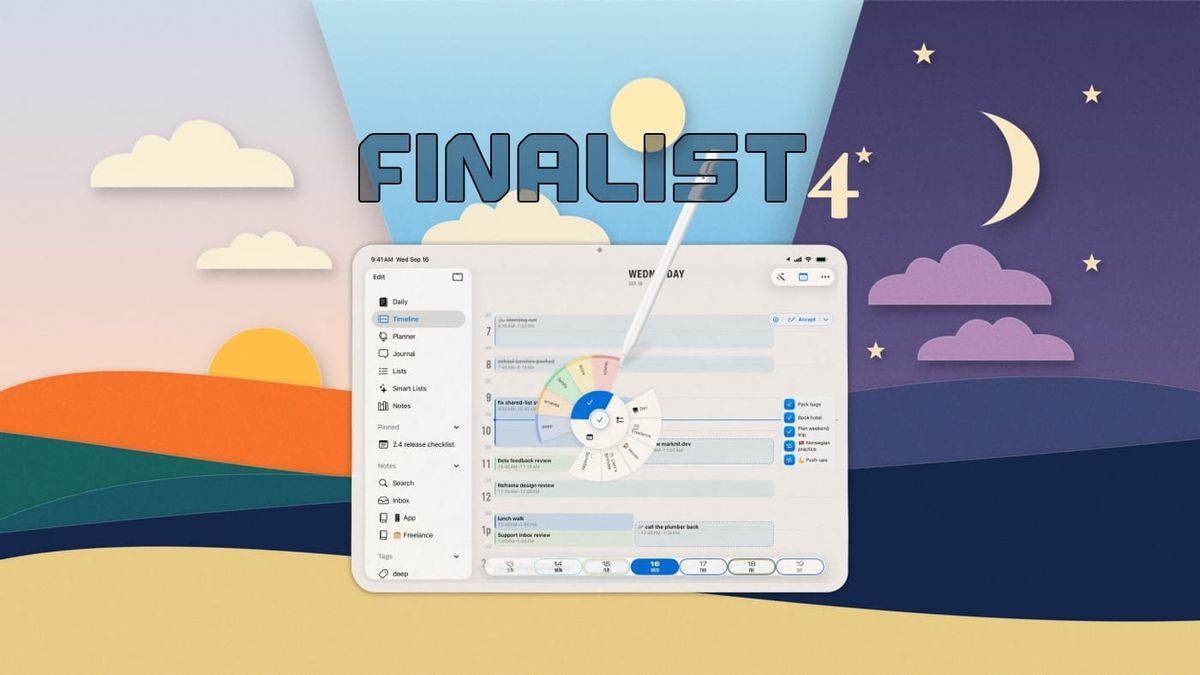
My favourite part of making Finalist is the stretch between releases. That's when hundreds of wonderful people in our Discord and I get to chat about what an ideal daily planner looks like. We pore over the smallest of details, tweaking, adding and subtracting, making the app work better for everyone.
This last cycle spanned over 4 months, and produced over 40 app builds (2 per week on average), distributed to over 1,000 people. Selfishly, I feel like I benefit the most as the app I use to run my life and business gets better every week.
But at some point we have to pause the fun and show our work.
And I think we did pretty well. The full changelog is gigantic, so let me cover some standouts:
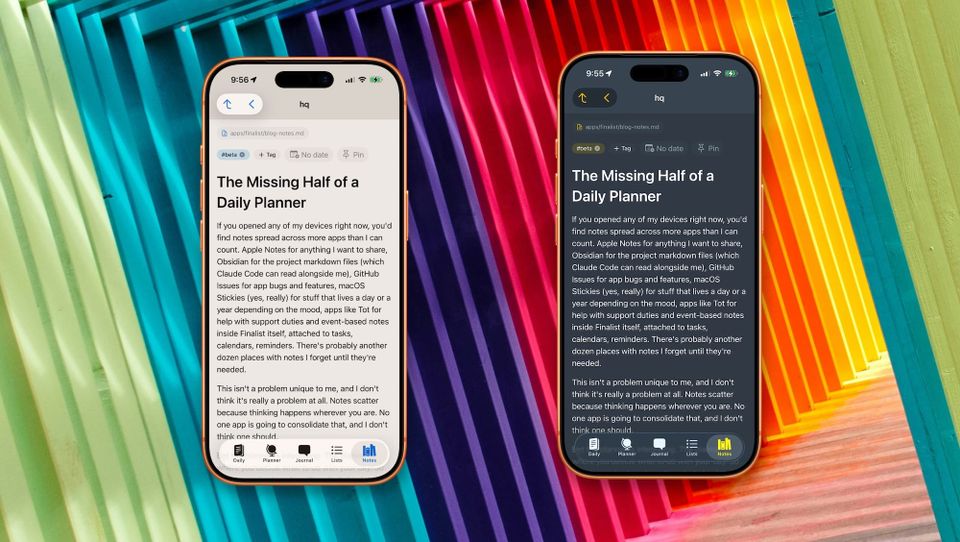
- Notes: not only do you get to make nested notes with attached subtasks, but you can also create and import file-based notes that are compatible with common note taking apps like Obsidian. All of these can be tagged, dated, pinned to sidebar, etc. Any markdown tasks detected in file notes will also appear on your Daily, Timeline and Project tabs, and you can complete them there, or select an extended markdown status, like "In Progress".
- Apple Watch: Finalist is coming for your wrist as a full app that runs on the watch even when your iPhone is not present. The Now card shows you your first moves in the morning, the running time block with a countdown, what's next, or an evening wrap-up with progress. Any pinned lists will also show up on your Watch.
- New Timeline tab: now rebuilt from the ground up for much easier time blocking. It squeezes in your day by compressing free time into gaps. Drag any untimed task onto the grid to pencil it in at a time, resize and move blocks like you would in Calendar, and when the day's penciled plan looks right, tap Accept to write the times into your tasks and reminders for real. All of it undoable.
- Tag everything: You can now tag tasks, notes, journal entries, habits, and even Apple items like reminders and calendar events. A single tap on a tag in Daily tab will show only what is tagged and hide everything else, amazing for zeroing in on what needs doing.
- Swimlanes: Anything that holds dated tasks can now unfold into a Swimlane timeline: a tag, a list, a Smart List, a saved filter, even a markdown file or a whole folder. Each source gets its own lane, and the columns adapt from days to weeks to months so even multi-year spans stay legible. A compact timemap shows busy days at a glance wherever you are: tap to expand it, tap a task to edit, or tap a date header to jump to that day on Daily.
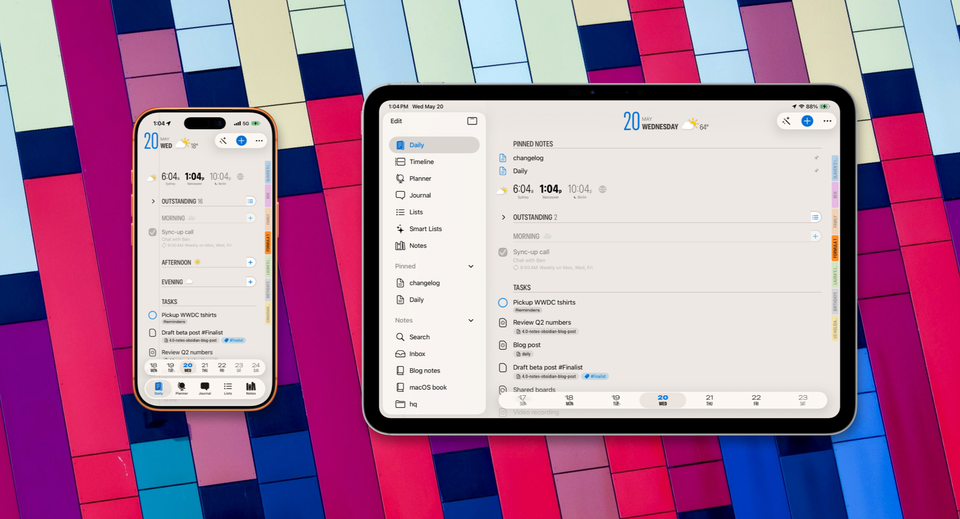
- New Layouts: Daily now has two designs: Daybook, the classic stacked layout, and Broadsheet, a newsprint-inspired look that shines on big screens. My favourite trick in 4.0: tap Broadsheet's World Clock and the page masthead retunes to another city's day, date, weather and all. The new version also includes more flexible multi-column views for iPad and Mac spreads, and the improved Planner tab. iPad and Mac get the sidebar and much better keyboard support.
- Share Day: Render the day you're viewing as a clean, chrome-free image. Pick a theme, crop it, share it.
- On-device AI: 4.0 puts Apple's on-device models to work in small, useful ways. Capture reads text off a photo, a screenshot, or anything you share into Finalist, and turns it into tasks with the dates already attached. Dictate a note and it titles itself.
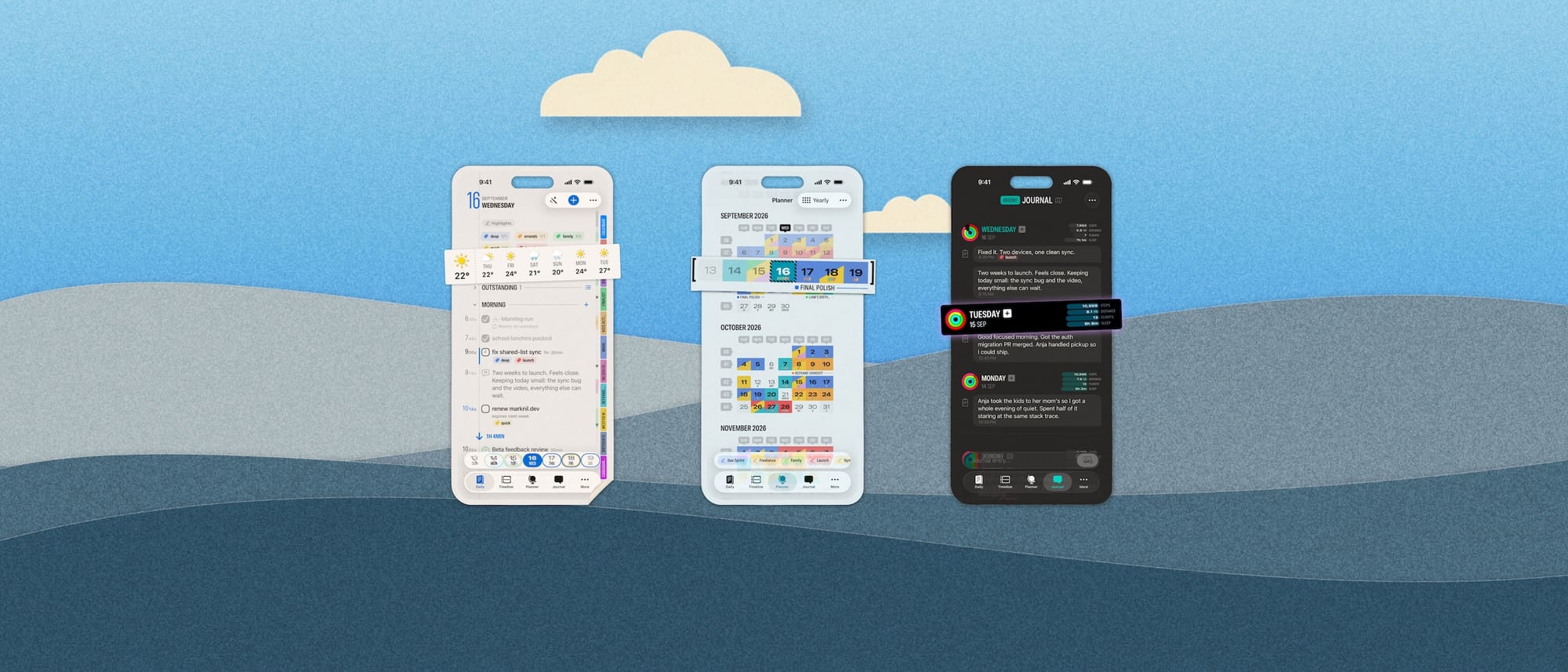
20 more quick hits
There's a lot more, here are 20 other notable changes:
- Custom event icons: map your own words, in any language, to the symbols on calendar events
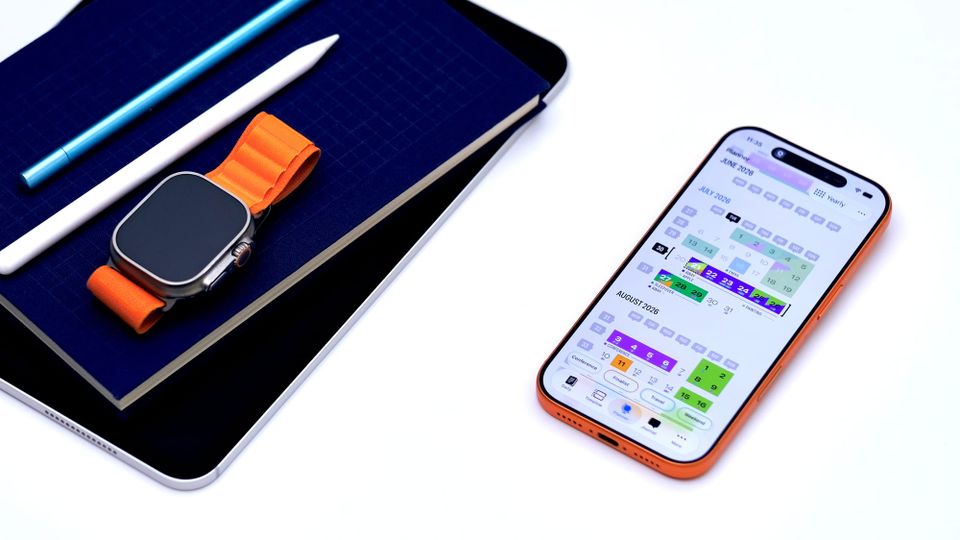
- Caption a run of highlighted days in the Yearly Planner; paint Highlights with one swipe
- Smart Lists that span tasks, Reminders, and markdown: Overdue, Due Today, This Week, In Progress
- Meeting links show as a compact Join button instead of a full-width URL
- Duplicate any event into any calendar, even from read-only ones; collapse duplicate events when showing from multiple calendars
- Per-calendar "Show as All-Day", great for busy subscribed feeds
- A "Match Apple Calendar alerts" mode, so notifications follow each event's own alarms
- Obsidian extended task statuses,
[/]in progress,[!]important and friends, each with its own icon - Obsidian-style
[[wiki links]]and Dataview fields resolve right in the app - Rich markdown editor in macOS
- A frontmatter editor for markdown files
- Set your own Morning, Afternoon, and Evening hours, and give each part of the day its own focus caption
- Share text and images right into Finalist from any app and Capture picks it up, images included
- Choose when all-day notifications fire (it was hardcoded to 9 AM)
- Widgets: tap a checkbox to complete it in place, markdown tasks included
- Hear Summary got a real player: scrubbing, AirPods and lock screen controls, a read-along transcript, and a Mac version
- Convert any task into any other type: task, reminder, or calendar event
- Snooze from the new Reschedule menu: 15 minutes to 4 hours, or pick a day
- The app icon picker is back
- iOS Home Screen quick actions are now configurable
Out now
Finalist 4.0 is available today on the App Store for iPhone, iPad, Mac, and now Apple Watch. It's a free update.
To the 1,000+ of you who ran the weekly betas, reported the bugs, and argued the small details with me: thank you. We did it. 😅
And if you'd like in on the fun, our Discord is open to everyone. My favourite part starts again today: 4.1 TestFlight is already in Apple review, iOS 27 is around the corner, and there are plans.