The Next Finalist Is Almost Here
On August 11, Finalist comes for your Watch, and notebooks come to Finalist.
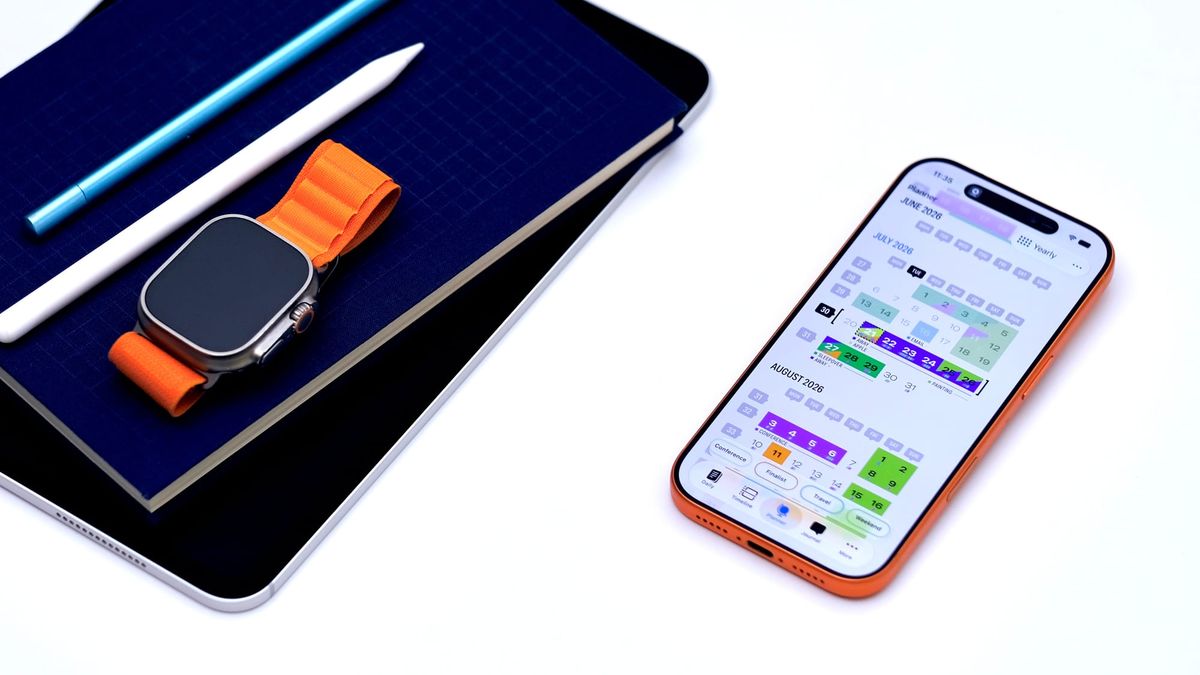
Hello everyone! It's been a while since I last posted, and there is a LOT to talk about. The next update is almost here: Finalist 4.0 ships on Tuesday, August 11, a full 3 years after Finalist 1.0 came out. And it is the biggest release since the launch, and a free update for everyone.
It's been brewing for far too long, the changelog itself is painfully long. So I'll just give you the highlights:
Notes
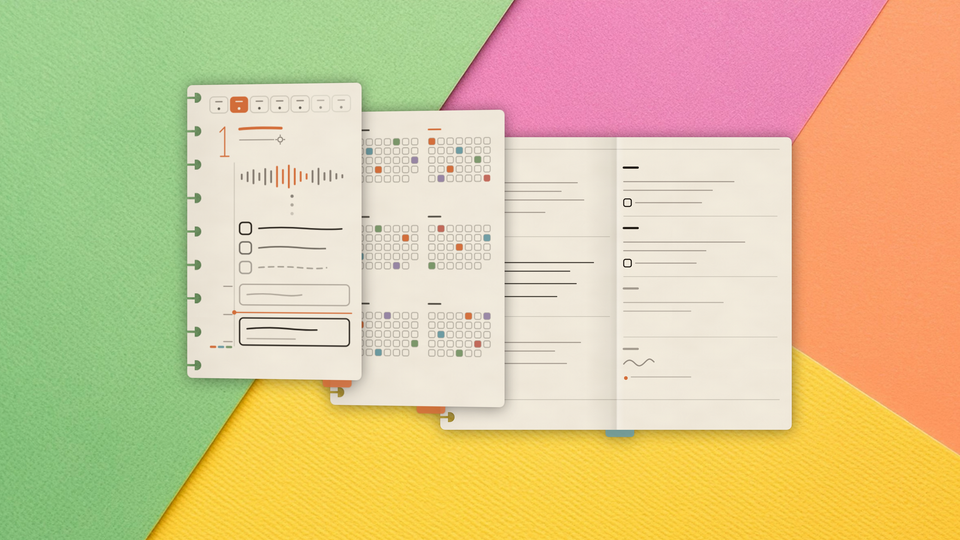
The headline feature. Finalist gets a dedicated Notes tab, and your planner finally holds your day's thinking, not just the day's tasks.
Notes come in two flavours:
- Native Notes are quick, flexible, and sync everywhere: give them tags, dates, pins, even their own tasks. No thinking involved, it just works.
- File Notes are plain markdown files in a folder you choose, which means they round-trip with Obsidian, GitHub, or any tool that reads
.mdfiles. Markdown tasks inside those files show up in Finalist as real tasks, on the right date, with the right tags. Edit a tag in Finalist and the file updates. Full frontmatter support for Obsidian task managers.
If you have ever kept a planner in one app and your notes in another, this is the release that ends that commute.
Apple Watch app arrives (Finawrist?)
Finalist finally comes to the wrist. This is a full app, it can run on its own even when the phone is not around.
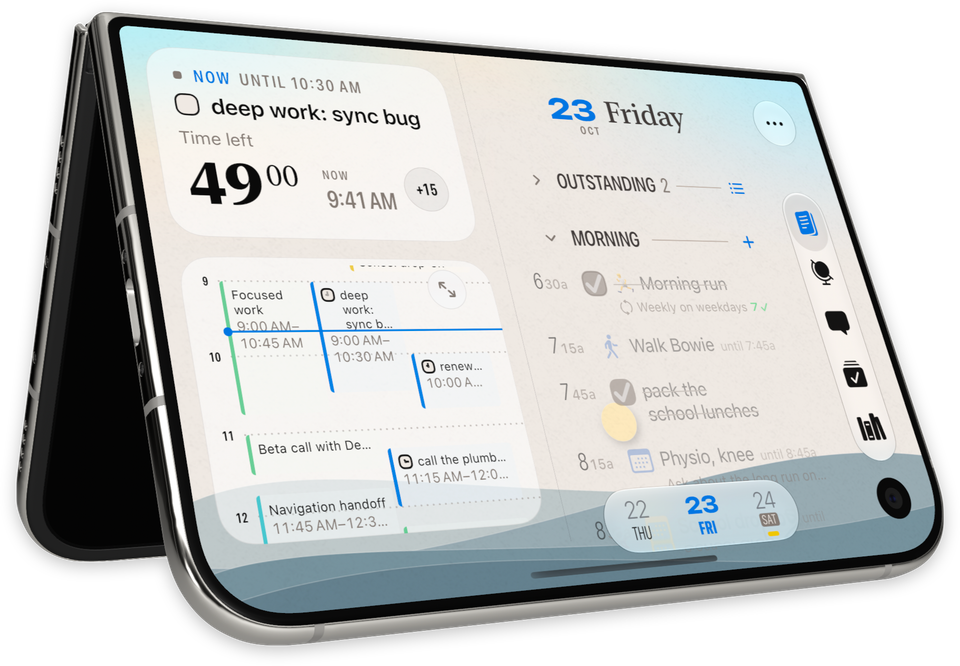
The Now card answers the day's current question: your first moves in the morning, the running time block with a countdown, what's next, or an evening wrap-up with progress. Below it, your whole day scrolls: events, tasks, reminders, habits. Long-press a task for Done, Tomorrow, or In 10 Minutes. It even shows your Pinned Lists (yes, most likely your shared grocery list), and I added some very nifty complications and a Smart Stack widget.
Timeline tab overhaul
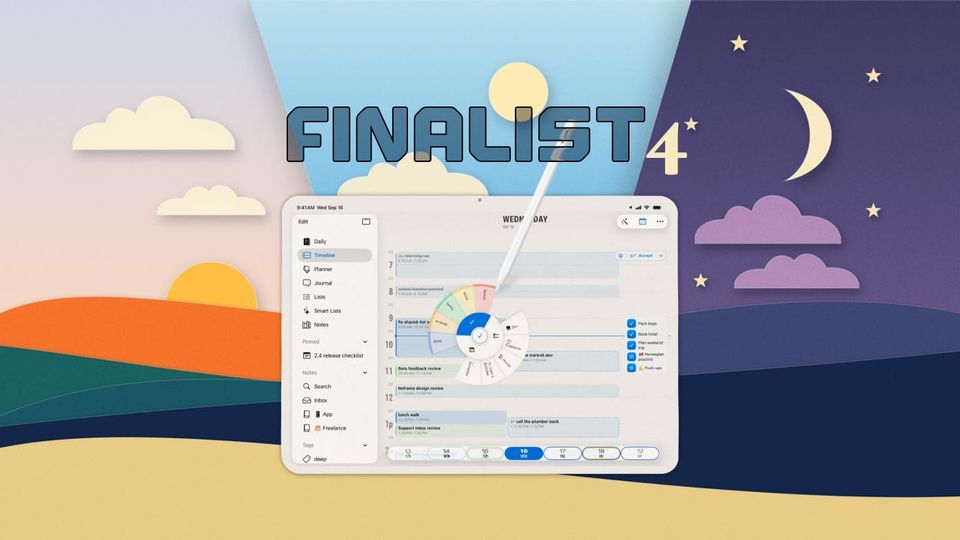
The Timeline tab was rebuilt from the ground up for much easier time blocking. Free time compresses into "x hours free" gaps. Drag any untimed task onto the grid to pencil it in at a time, resize and move blocks like you would in Calendar, and when the day's penciled plan looks right, tap Accept to write the times into your tasks and reminders for real. All of it undoable.
Tag everything
You can now tag tasks, notes, journal entries, habits, and even Apple items like reminders and calendar events. A single tap on a tag in Daily tab will isolate that thread of your day and hide everything else.
Swimlanes
Anything that holds dated tasks can now unfold into a Swimlane timeline: a tag, a list, a Smart List, a saved filter, even a markdown file or a whole folder. Each source gets its own lane, and the columns adapt from days to weeks to months so even multi-year spans stay legible. A compact minimap shows busy days at a glance wherever you are: tap to expand it, tap a task to edit, or tap a date header to jump to that day on Daily.
New Layouts
Daily now has two designs: Daybook, the classic stacked layout, and Broadsheet, a newsprint-inspired look that shines on big screens. My favourite trick in 4.0: tap Broadsheet's World Clock and the page masthead retunes to another city's day, date, weather and all.
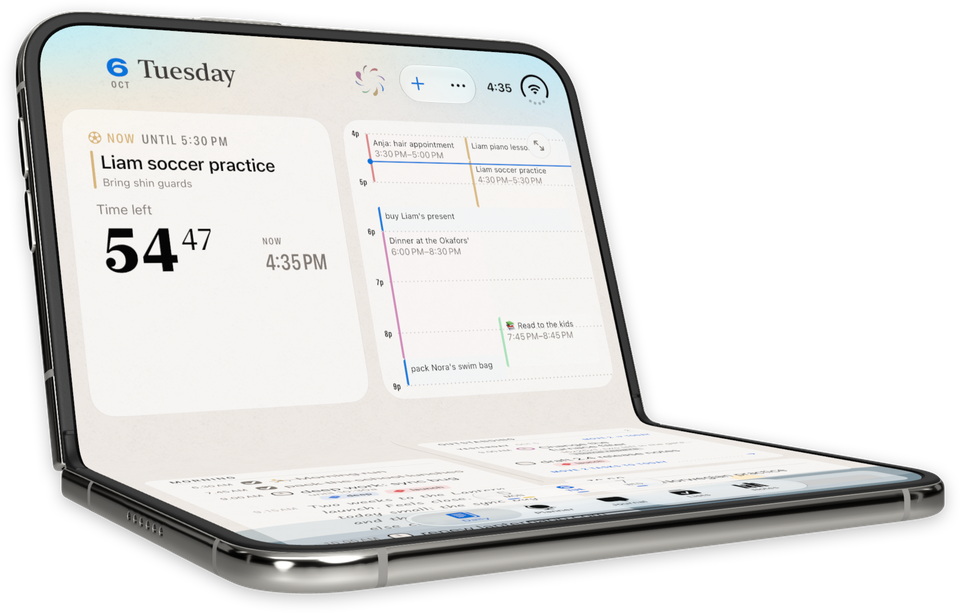
The new version also includes more flexible multi-column views for iPad and Mac spreads, and the improved Planner tab. iPad and Mac get the sidebar and much better keyboard support.
Share Day
Render the day you're viewing as a clean, chrome-free image. Pick a theme, crop it, share it.
On-device AI
4.0 puts Apple's on-device models to work in small, useful ways. Capture reads text off a photo, a screenshot, or anything you share into Finalist, and turns it into tasks with the dates already attached. Dictate a note and it titles itself. Everything runs locally. Nothing about your day leaves your device.
20 more quick hits
The changelog runs long so here are 20 more notable changes:
- Custom event icons: map your own words, in any language, to the symbols on calendar events
- Caption a run of highlighted days in the Yearly Planner; paint Highlights with one swipe
- Smart Lists that span tasks, Reminders, and markdown: Overdue, Due Today, This Week, In Progress
- Meeting links show as a compact Join button instead of a full-width URL
- Duplicate any event into any calendar, even from read-only ones; collapse duplicate events when showing from multiple calendars
- Per-calendar "Show as All-Day", great for busy subscribed feeds
- A "Match Apple Calendar alerts" mode, so notifications follow each event's own alarms
- Obsidian extended task statuses,
[/]in progress,[!]important and friends, each with its own icon - Obsidian-style
[[wiki links]]and Dataview fields resolve right in the app - Rich markdown editor in macOS
- A frontmatter editor for markdown files
- Set your own Morning, Afternoon, and Evening hours, and give each part of the day its own focus caption
- Share text and images right into Finalist from any app and Capture picks it up, images included
- Choose when all-day notifications fire (it was hardcoded to 9 AM)
- Widgets: tap a checkbox to complete it in place, markdown tasks included
- Hear Summary got a real player: scrubbing, AirPods and lock screen controls, a read-along transcript, and a Mac version
- Convert any task into any other type: task, reminder, or calendar event
- Snooze from the new Reschedule menu: 15 minutes to 4 hours, or pick a day
- The app icon picker is back
- iOS Home Screen quick actions are now configurable
The full changelog lists some 352 features and improvements, and still growing.
And this is just the warm-up to September, when 4.1, built around iOS 27, arrives. More on that after 4.0 ships.
August 11
If you want it today, the beta is open: join on TestFlight. Builds land roughly weekly, and the feedback from beta users has shaped this release more than any before it. There are 700+ of us in Discord, join and share your ideas.
Otherwise, mark the date. Finalist 4.0 arrives Tuesday, August 11. There may be giveaways.