Finalist ❤️ iOS 27 / macOS 27
Talk to Siri, plan your week on two facing pages, sketch on any note, and put a full page widget on your Home Screen.
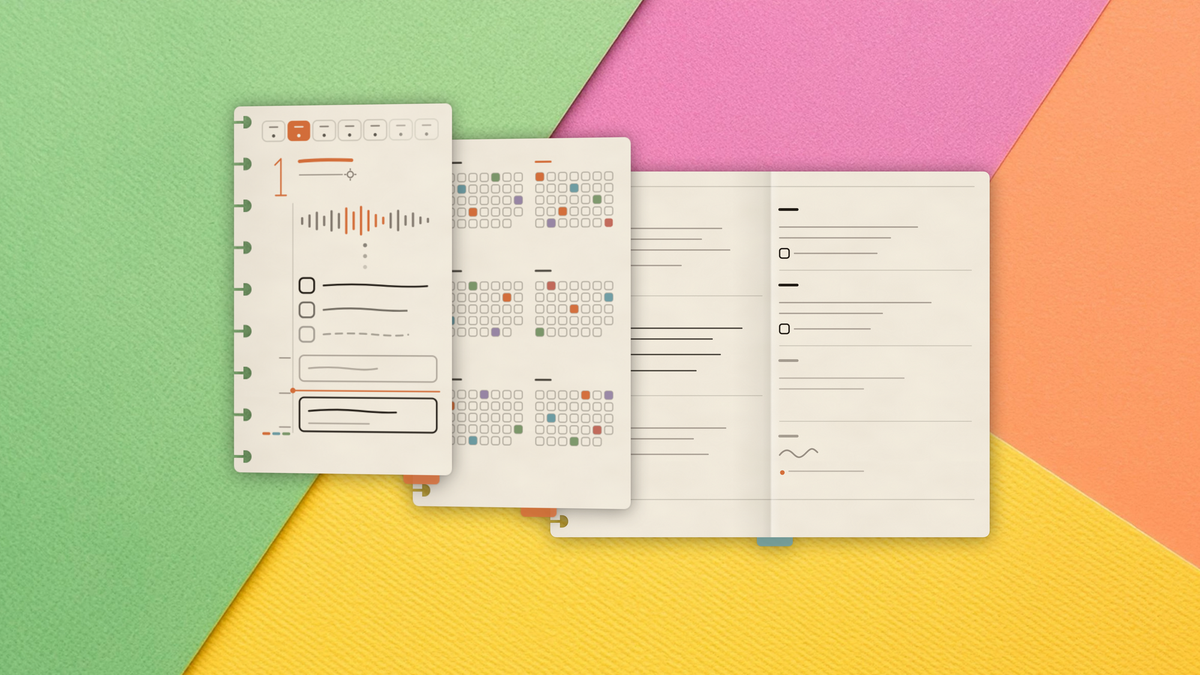
Your favourite paper-inspired daily planner is here for all your new (and old) iDevices. While this may be an iOS 27-focused release, the new OS features ended up being maybe half of it.
The full changelog runs long, so here are the standouts:
- Talk to your planner: Finalist adopts the new Siri in iOS 27. Siri can add, reschedule and complete tasks, write notes, and manage calendar events, all conversationally. Tasks and notes also show up in Spotlight, so you can ask Siri to find one and open it by name.
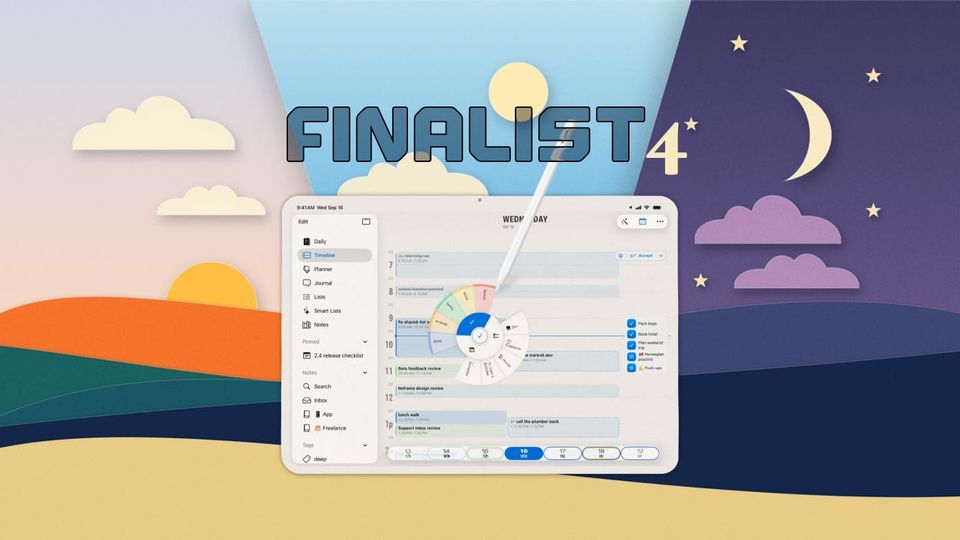
- Plan My Day: tap the menu and Finalist gathers your tasks, events, habits and actual free time, then drafts a schedule using Apple's on-device Foundation Models, penciling blocks onto your Timeline. Apply it, drag things around, or clear it and pretend it never happened. Nothing leaves your device.
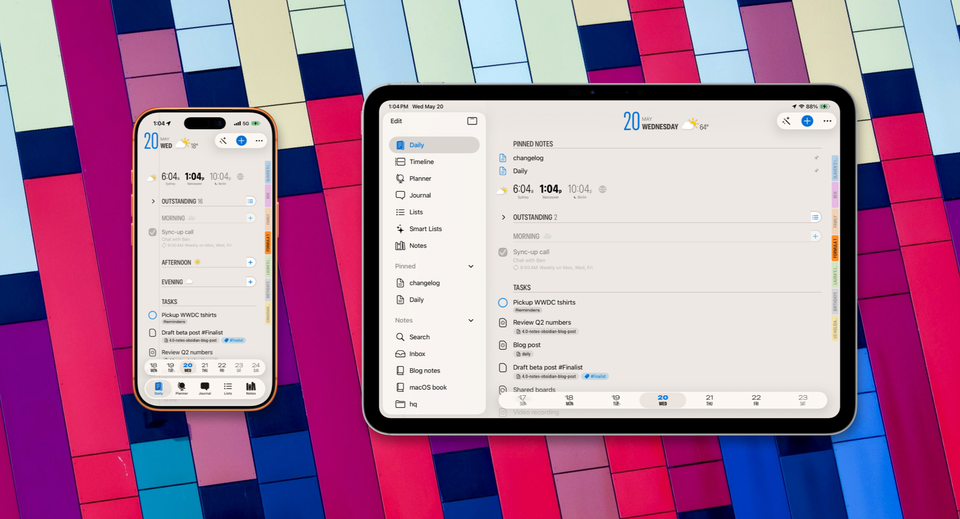
- The Day Page widget: iOS 27 adds an extra-large widget size, and Finalist fills it with a complete planner page: agenda, checklist, weather and highlights, heavily inspired by Finalist's macOS menu bar app. The new layout is also available in regular Large size on any iPhone via Edit Widget.
- The Weekly Spread: a new Planner mode that lays your week out like a paper planner, Monday to Wednesday on the left page, Thursday to Sunday on the right. iPad and Mac show the open spread and let you flip through your weeks; iPhone shows half-a-week at a time, unless... you unfold it.
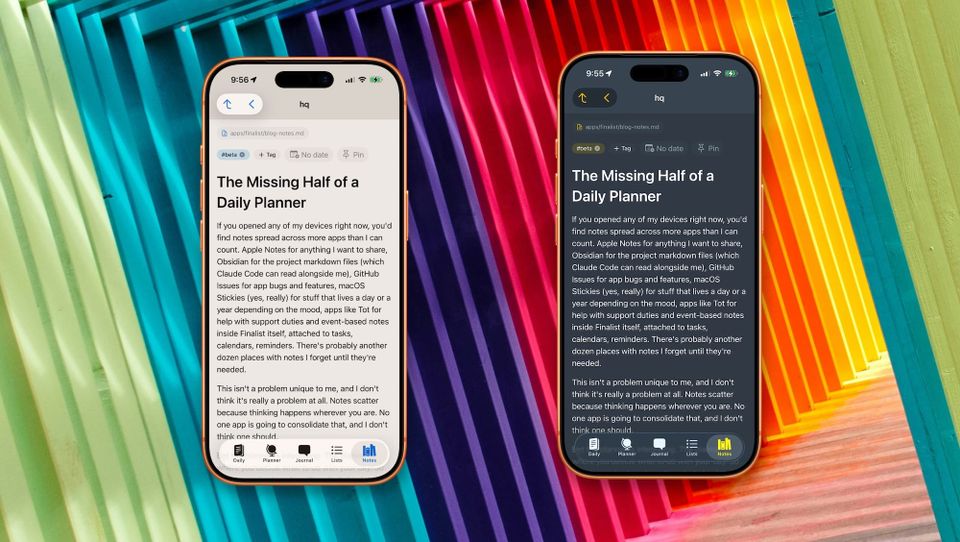
- Attach a sketch: add drawings to your daily notes with PaperKit, the engine behind Apple's own apps. You get shapes, text boxes and stickers on the canvas with full Apple Pencil compatibility.
- Score: an opt-in Daily section that turns a week of scattered effort into one number. Give point values to tags (a walk could be 1 point, a run 5 points), set a weekly target, and watch the week add up. Completing tasks, habits, reminders and even journaling with a tag all count towards your score. This feature kept me motivated through 4.0 marketing chores.
- Tags Workspace: the Tags sheet is now a two-page mini workspace. Every tag gets its own page with usage details, the Score goals it feeds, the latest things tagged, and a Time Spent report: minutes attributed to that tag over the last week to year. Tag colors got a tuned palette of twenty inks plus a custom picker.
- Mac Levels Up: New keyboard shortcuts, like Cmd-click and Shift-click rows to build a selection (two-finger tap on iPhone and iPad), then move, tag or delete the lot in one go. Cmd+E opens the row under your pointer, Cmd+Delete removes it. The Capture wand and the Hear Summary player also joined the Mac toolbar this cycle, and the Menu Bar app got a well-deserved glow up.
15 more quick hits
- Multi-select works in Timeline too: group blocks and shift them together, -15m/+15m/+1h at a time
- Text size control in Settings, long overdue on the Mac
- Reminders with a due time can be resized on the Timeline to give them a duration
- Workouts logged from Health bring their GPS route along, so you can see little maps of your runs in the Journal
- Unlogged workouts show as tap-to-add pills on their day
- Habits open a much improved summary page
- World Clocks show on every day, not just today, and follow your 12/24-hour setting on Broadsheet theme
- A markdown file with a date in its filename appears on that day in Daily, no pinning needed
- The day note composer is a light markdown editor now: auto-continuing lists, tappable checkboxes
- Smart Lists reopen on the preset you last used, and default to Due Today
- Calendar Solo mode greys out the hidden calendars instead of removing them; tap one to end Solo
- Reminders can be rescheduled right from the Apple Watch
- Big improvements to iCloud sync speed and cold-launch smoothness
- Emptying a Trash with thousands of items should be a lot quicker
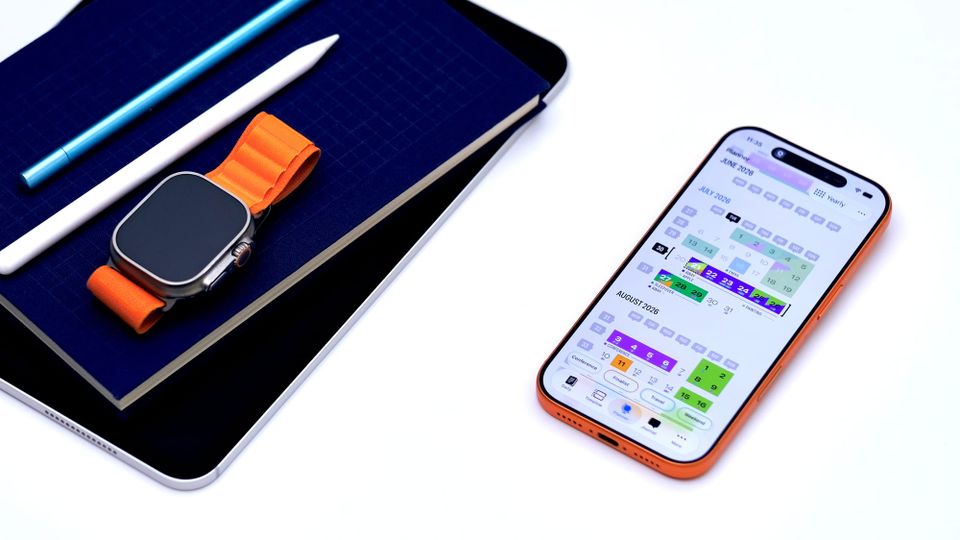
- Yearly Planner lets you walk back through earlier months and marks events on past days
Out now
Finalist 4.1 is available today on the App Store for iPhone, iPad, Mac and Apple Watch. It's a free update. Siri, Plan My Day and the extra-large widget need iOS 27; everything else works on iOS 26 too.
To everyone who ran the betas and debated the details with me on Discord: thank you, again. The 4.2 beta opens in a few days, I've got some fun stuff planned 😉