Ready for iPhone Duo
The very-foldy update is now in the App Store, with full support for Apple's new iPhone Duo.
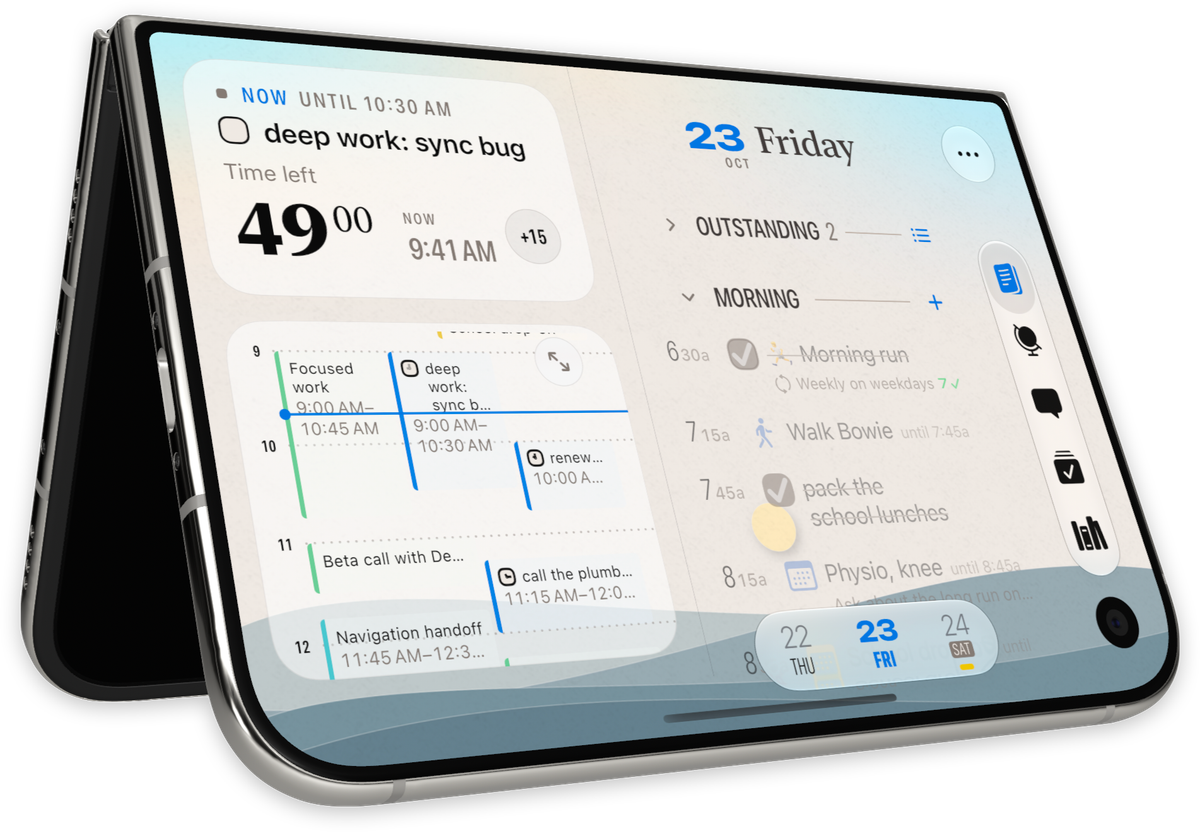
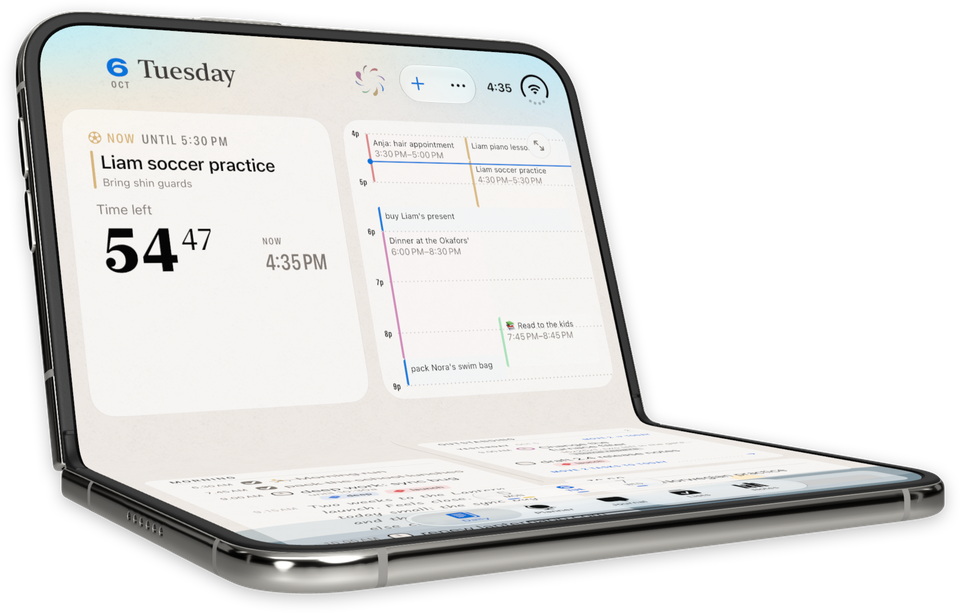
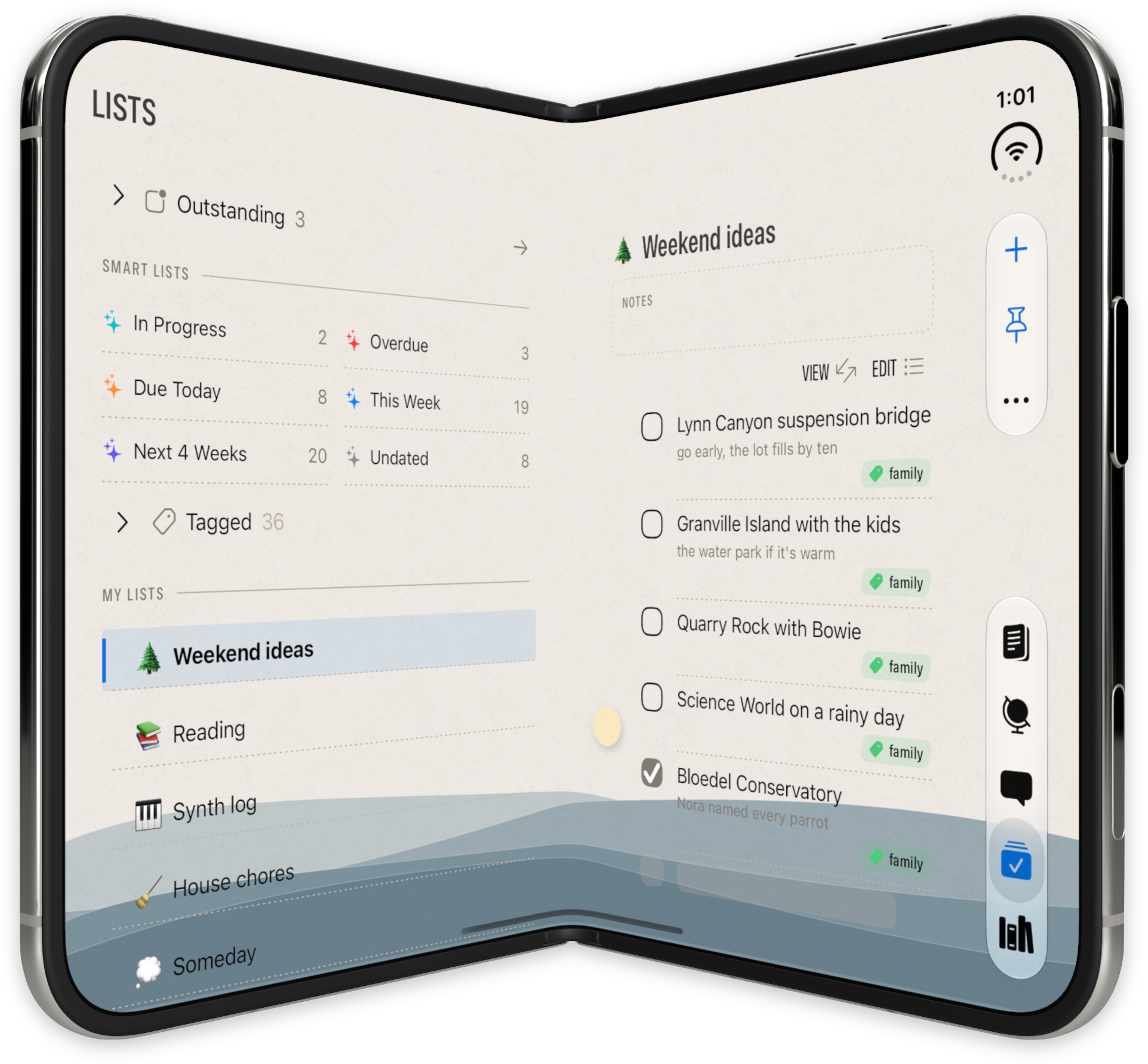
Finalist 4.2 is in the App Store today, with full support for iPhone Duo. If you're unboxing one soon, there's a layout for every pose: opened like a book with agenda and timeline side by side, propped open like a laptop for a Desk Clock counting down your agenda, spread out in portrait like an iPad, or partially folded upside down in a tent pose.
I wrote about the Duo side last week in The Intentional Phone, along with what that work brought to every iPhone: landscape, Lens, the Timeline moving into Daily, and the Follow the Day theme. All of that ships in this release. This post covers the rest, which works the same on any iPhone, iPad or Mac.
Day Review
Paper planners work best with certain cadences. At the end of the day you look at what didn't get done and decide what to do with each item. Day Review brings that to Finalist.
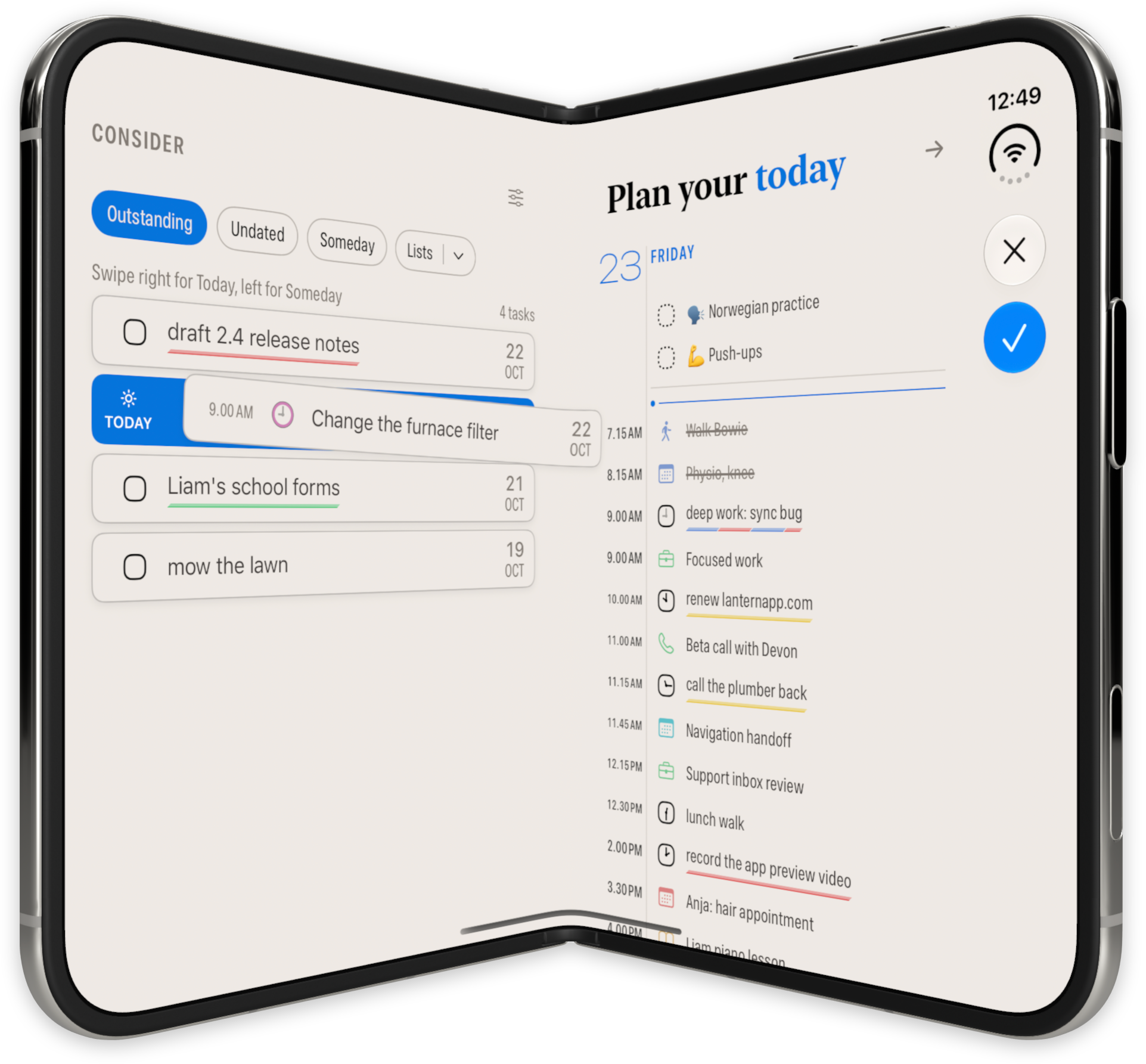
It puts the day's plan on one side and a queue of tasks waiting for a decision on the other. Swipe a task right to take it on, or left to shelve it in Someday. You choose what the queue draws from: Outstanding, Undated, Someday, Markdown Tasks and your Lists. Turn on Apple Intelligence priorities and it flags the tasks that look most important.
In the evening, an optional notification opens Review Tomorrow, so the next day is planned before you go to bed.
Someday, maybe
Shelved tasks no longer need to hang out in Overdue, Due Today, This Week or the other date lists; you can now use the new Someday smart list. When one's time comes, swipe right for Today, or drop it on today's Timeline and it comes off the shelf on its own.
More actionable notifications
Task and habit notifications have Complete and Remind buttons, so you can finish something or push it back without opening the app. If you tend to swipe reminders away, turn on Remind until done in Settings > Notifications and Finalist nudges you every few minutes until it's checked off.
Snooze also got renamed to Later Today. It starts with Now and offers better times for the rest of the day, and it works for habits and markdown tasks too.
Subtasks get more flexible
Drag a subtask to another day, the Planner or the Timeline and it becomes a task of its own there (Undo puts it back). Drop it among another group's subtasks to move it over, or pick it out with Move Out of Group. Going the other way, select a few tasks and choose Group as Subtasks from the context menu.
Timeline
Tasks, reminders and habits on the Timeline have a checkbox now, so you can finish them without leaving it. Penciled times sync between your devices. Hold the hour rail to add a New Task at that time, and resize a habit placed on the Timeline to change duration for just that day.
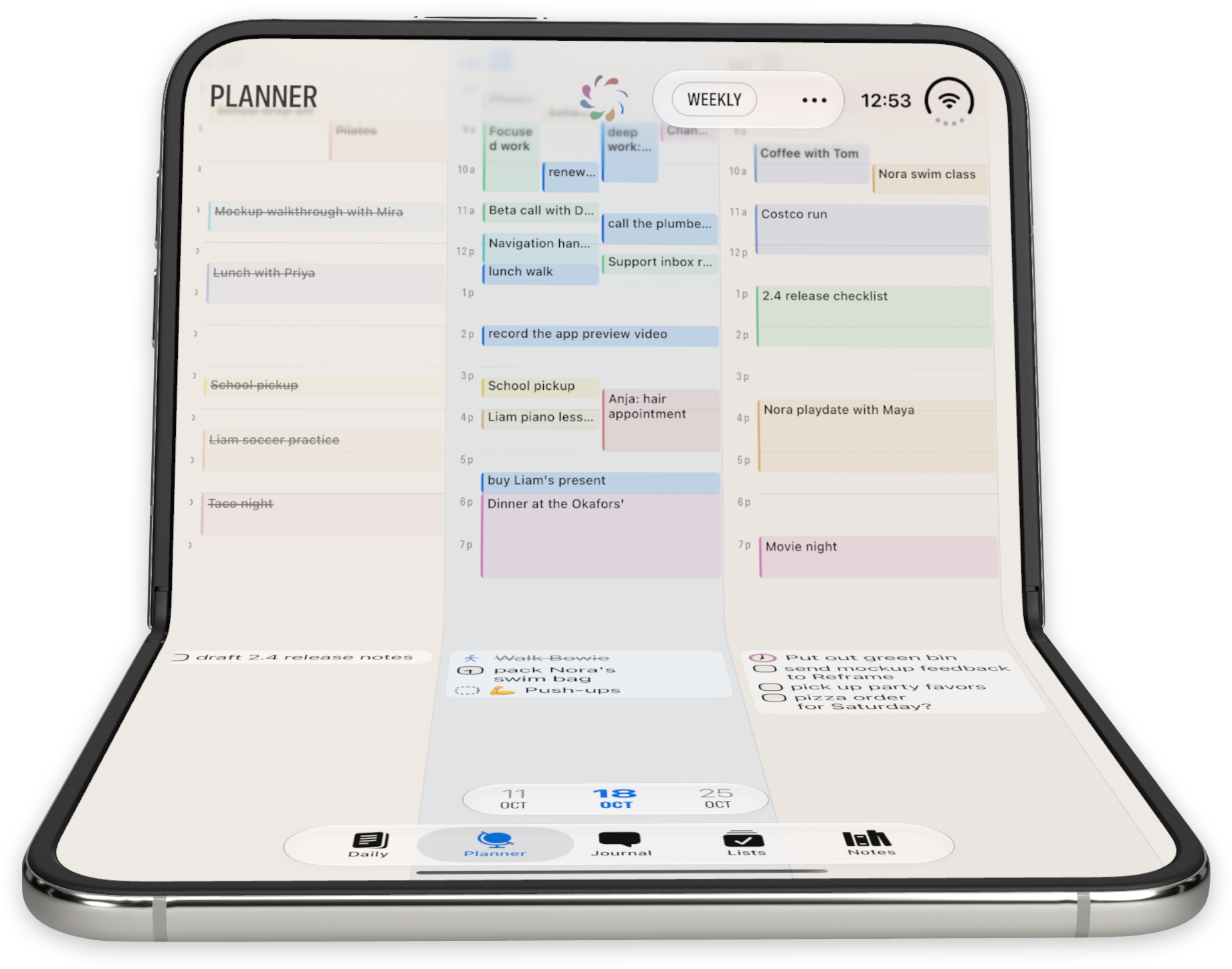
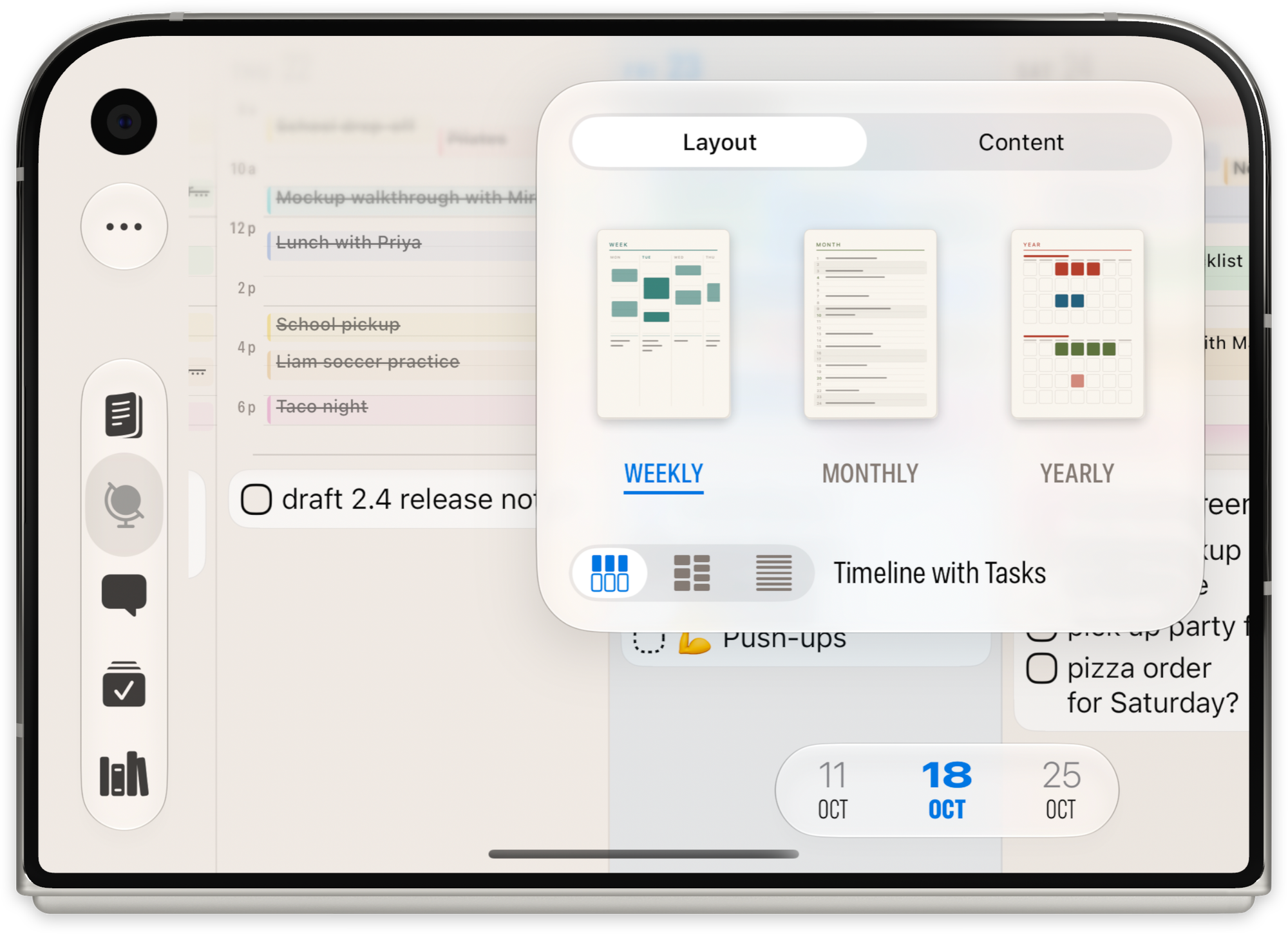
Timeline also arrives to other views, like the new Weekly Timeline Planner, letting you quickly scan your full week,and drag and drop tasks and events across days.
15 more quick hits
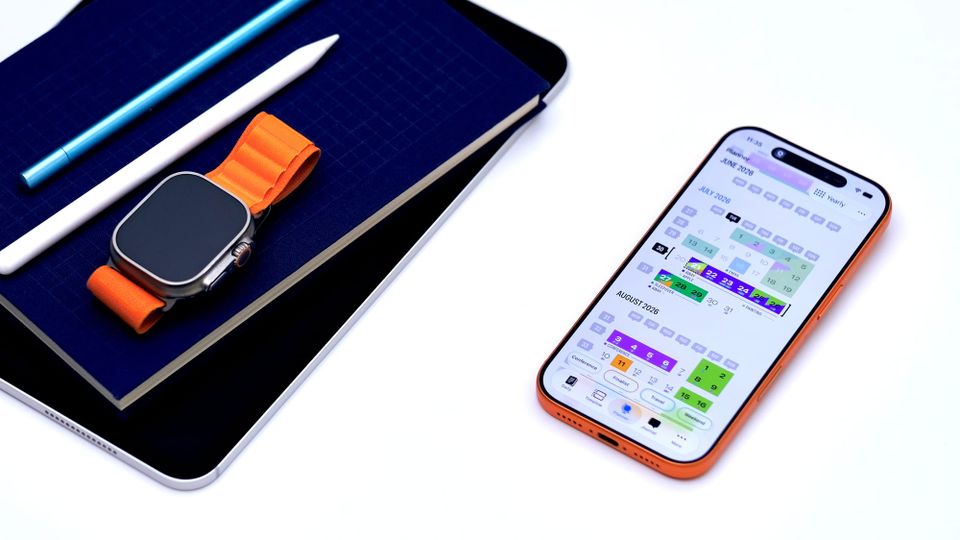
- Continuous Yearly: the year as one run of weeks instead of twelve months
- The Countdown Live Activity counts to the end of whatever is running
- Six handwriting fonts for the Journal, in Settings > Journal
- Markdown tasks understand subtasks, Later / Someday and Blocked-by
- Add today's note from your Apple Watch
- A compact New Task row, in Layout > New Task options
- Reschedule to any day, with a summary of what's already there
- Drag a reminder into Morning, Afternoon or Evening to give it a time
- Reminders keep their alarm when moved, and Duplicate As copies just one occurrence of a repeating reminder
- Weekly habits can target a number of days, and monthly ones can repeat every few months
- Scheduled can hide past events and show an event's end as a duration ("1hr") or a time ("until 10p")
- The forecast shows on future days
- The Now-ribbon shows in Broadsheet theme
- Better display of events that cross midnight
- Faster saving and sync
Out now
Finalist 4.2 is a free update on the App Store for iPhone, iPad, Mac and Apple Watch. It runs on iOS 18 and macOS 15 or later, and works beautifully on iPhone Duo with iOS 27.1 (did I mention that already?).
Thank you to everyone who ran the 20+ TestFlight builds this cycle and put up with me on Discord. 🙏