Habits You Can Count On
Finalist 4.3 introduces new numeric habits to help you record everyday numbers. And if you're in Vancouver, read to the end.
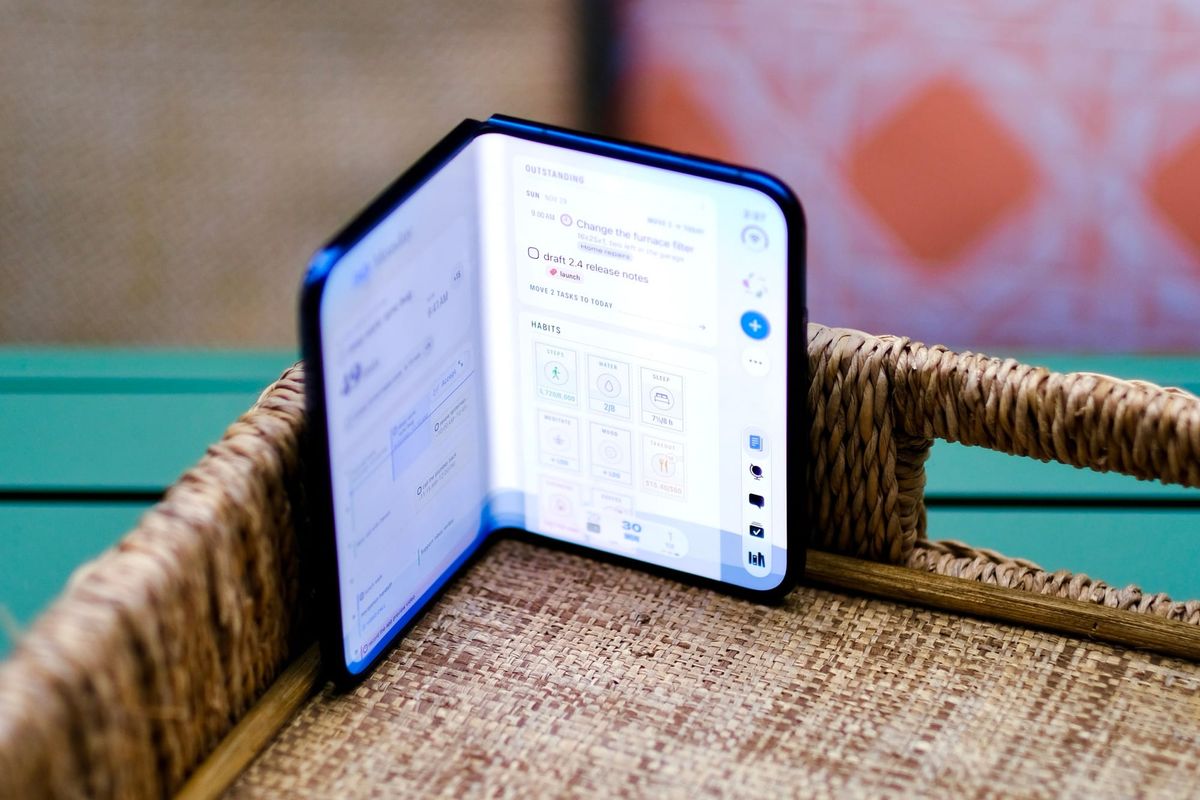
Hello everyone! Finalist 4.3 is now in the App Store, with a ton of new features, led by habits that can count numbers.
A quick demo of big changes in Finalist 4.3
Habit tally
Until now a habit was a checkbox: done or not done. In 4.3 a habit can track a number: glasses of water, minutes of meditation, steps, pages, money, or a unit you make up. Give it a daily or weekly target ("150 minutes of exercise a week"), or a limit that turns red when you go past it, which works nicely for bad habits you want to get rid of.
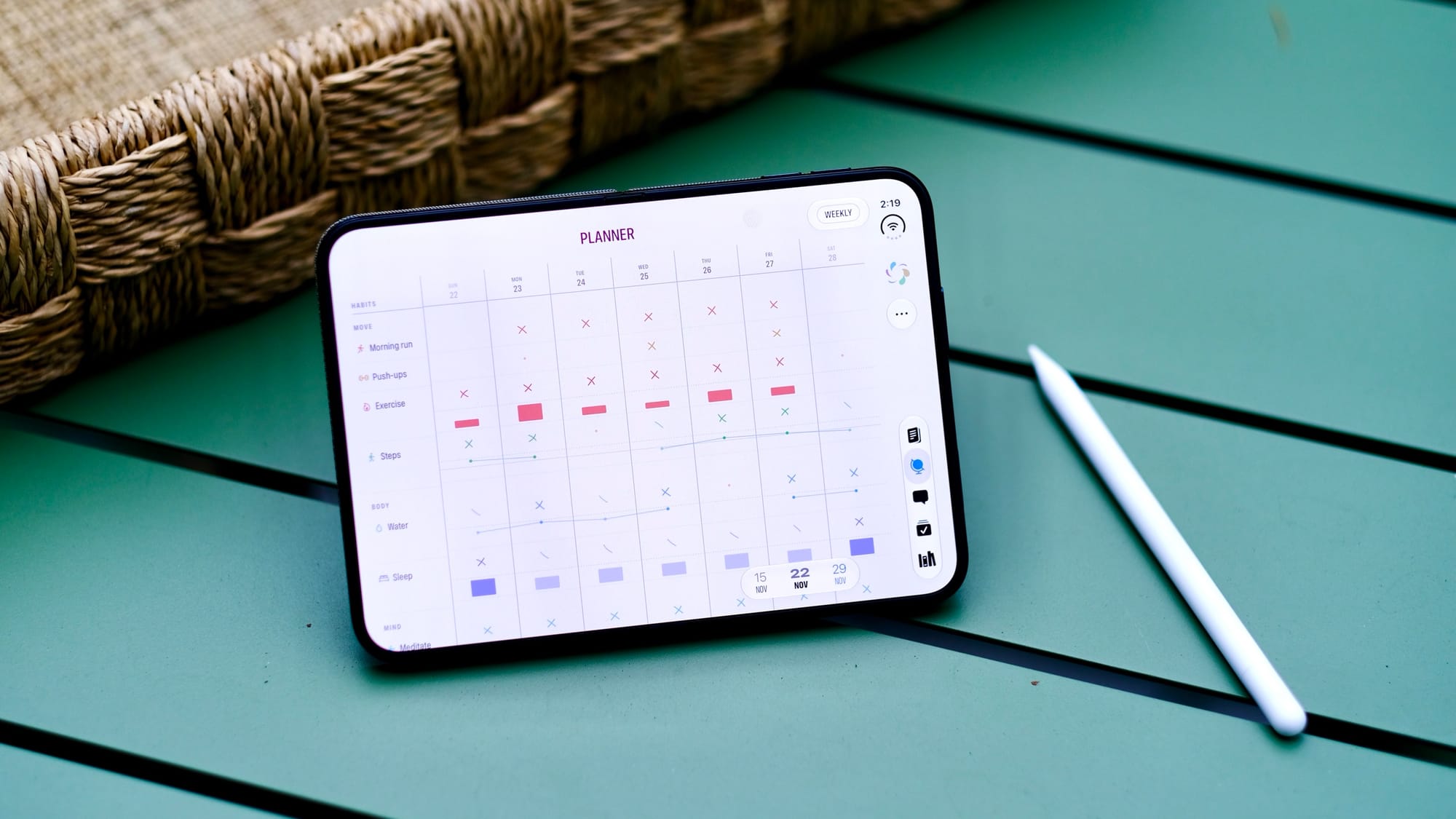
Logging your progress is fast: tap or swipe in Daily, use a widget, your Apple Watch or Shortcuts. Sleep and Steps can fill in from Health on iPhone. You can use templates to get started quickly.
Habits HQ
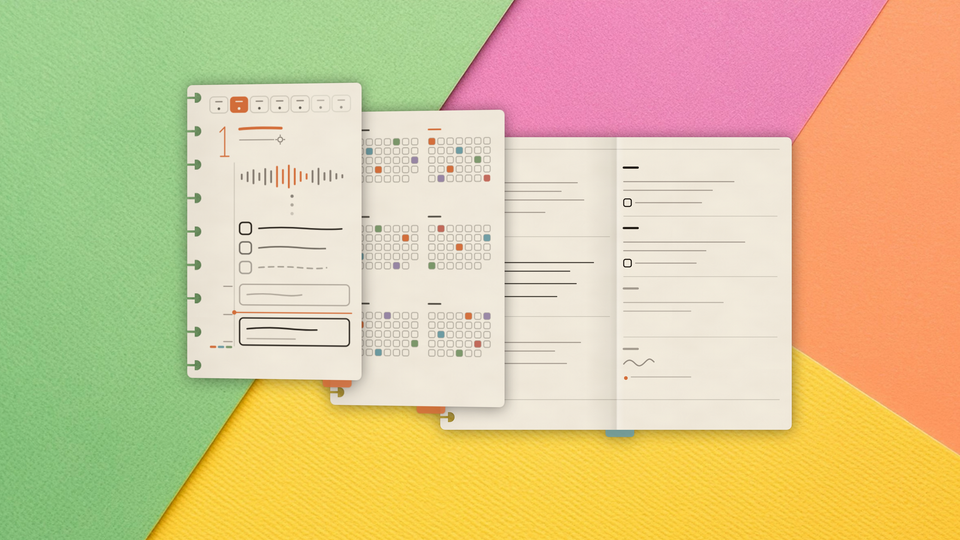
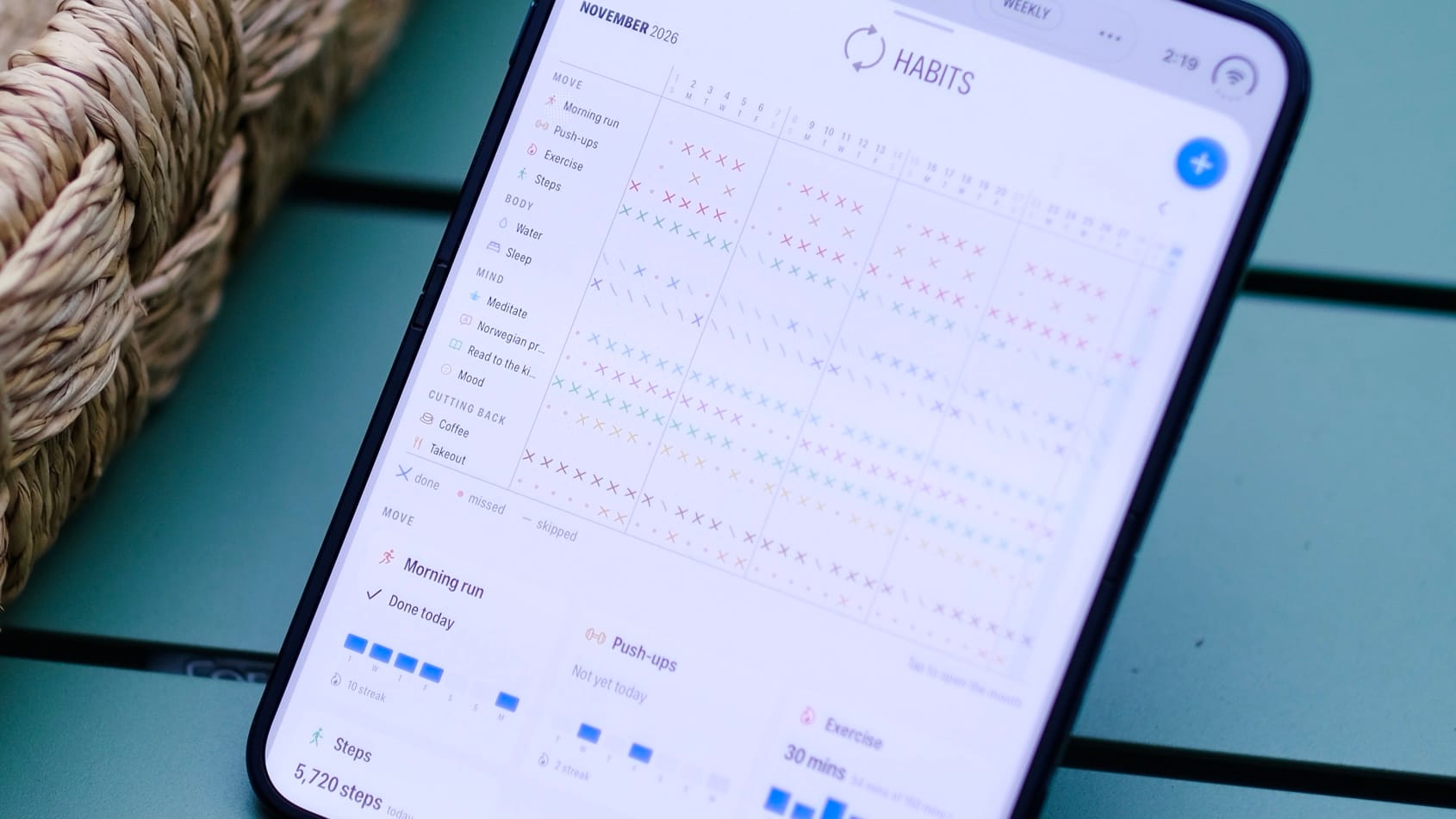
The Habits page got a redesign. Tiles show you a summary for each habit, and you can group them, drag them into order, and give each one its own symbol and color. Daily, the Watch and widgets follow the same order.
Along the top is the month ledger, think of it as a page out of a bullet journal. Open it to mark or skip days, and share it as an image if you want to show off. Every number habit also gets its own chart by week, month and year, with your target drawn as a line.
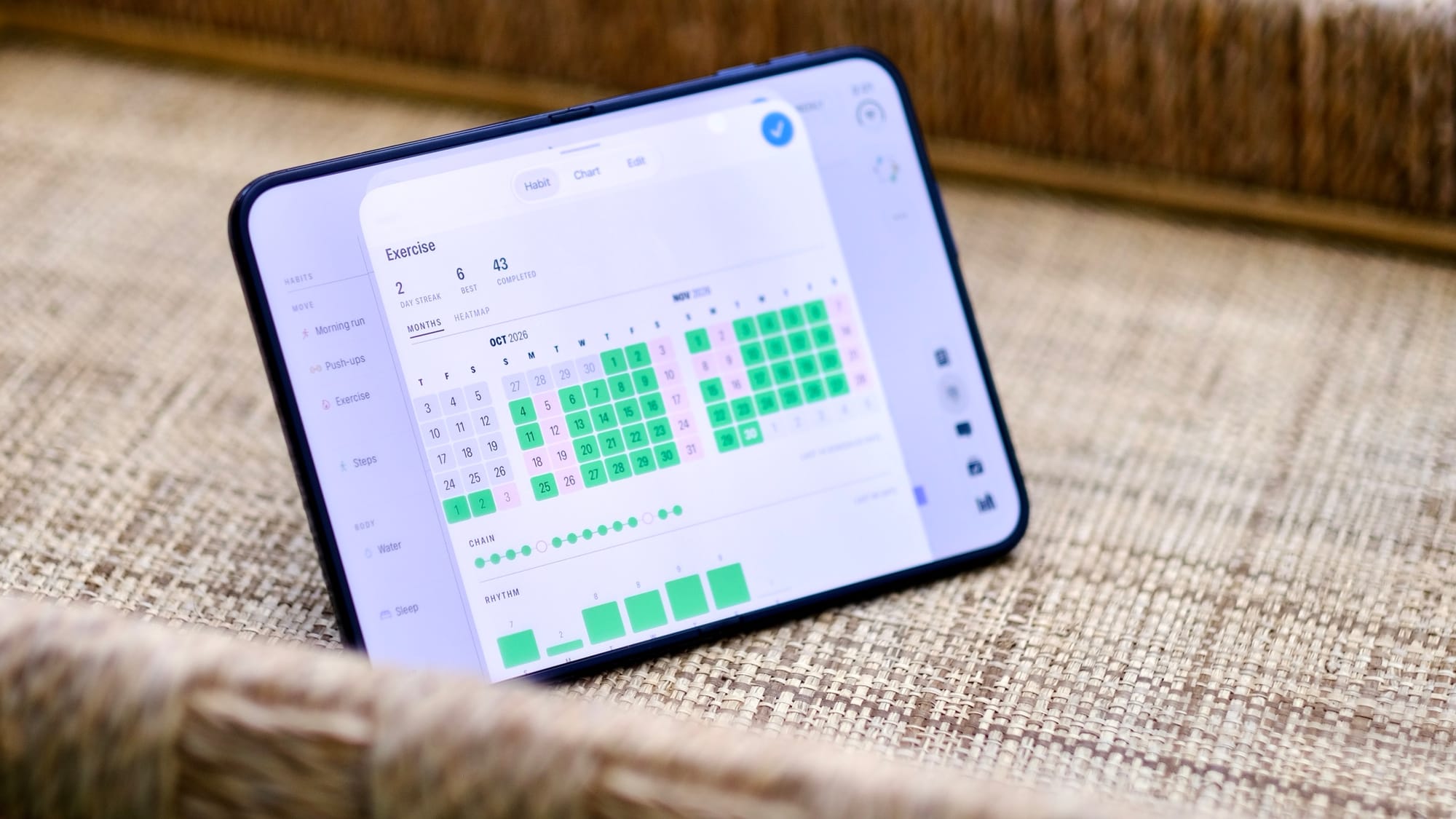
The Planner tab gets Weekly Habits and Monthly Habits layouts too. Weekly Habits is your week as a ledger, and you can tap any cell to fill in that day.
Plan Your Day
Day Review is now called Plan Your Day. Open Lens and tap Suggest Times, and Apple's on-device models find a spot for each of your untimed tasks. They appear as penciled blocks you can drag and resize, with Undo.
You can also flip any day between its plan and its Timeline, and drag tasks on and off to set or clear their time.
Swim...lanes?
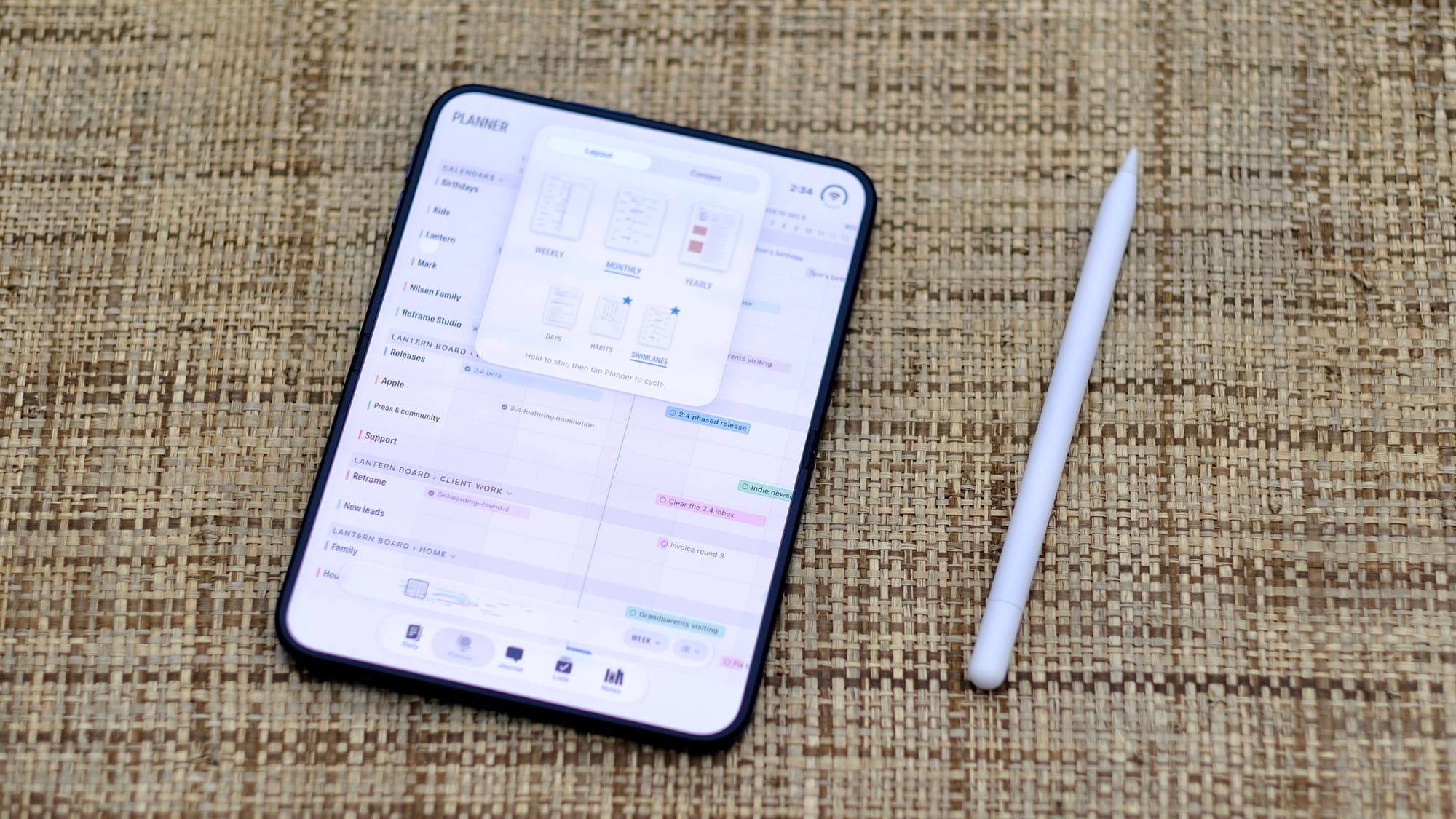
Swimlanes lay your tasks out on a timeline, one row (a lane) per project, tag or list, with each task drawn as a bar across its days. You can open them for almost anything that holds dated tasks, a markdown file included.
An interesting aside: this idea is older than software. Henry Gantt was drawing bars of work across a calendar around 1910, and in 1990 Geary Rummler and Alan Brache split process charts into lanes, one per team, like lanes in a swimming pool. Today you'll find the same layout in product roadmaps, Kanban boards and marketing calendars.
I've always wanted this for my own calendars. I use All-Day events in calendars to mark out holidays, work trips, sponsorships, you name it, and these are shared with my family. Now, I can zoom in and around my calendars, adding and resizing blocks in seconds, all with the new Monthly Swimlanes planner layout. Unlike a Gantt chart, Finalist's swimlanes don't show dependencies between tasks (yet?), so moving one bar won't push the others along.
And as a bonus, if you keep a project plan in a markdown file (I run all of Finalist's dev plans from one), it'll appear alongside your calendars as well. Not only that, but each heading in the file will create new swimlane groups for your markdown tasks, which you can expand or collapse.
Another aside, this time on Markdown files: a task in Markdown is a line starting with- [ ], with emoji marks for its dates, the same format the Obsidian Tasks plugin uses: 🛫 for when it starts, 📅 for when it's due. Add a tag like#bookedor#pencilto draw the bar solid or dashed. Drag or stretch a bar on the board and Finalist rewrites the dates in your file, so it stays readable in Obsidian or any text editor. You don't need to know any of this.
A new Daily sidebar
Calendar bookmarks have been redesigned to allow for easier edge swipes. You can also swap calendar chips for tags: just tap a tag and see only that tag's open tasks for the day. Instant focus. There are also two new styles of time strips, Orbit and Rail, with sunrise and sunset times marked. Sidebar is optional, of course, and you can toggle it in Layout.
Six more languages
Finalist now comes in German, Spanish, French, Italian, Dutch and Croatian. If you use Finalist in one of these, I'd love to hear how you find them.
10 more quick hits
- Two new themes for the holidays, a snowy one for the northern climes and a summer one for the folks in the south.
- Settings is reorganized by part of the app, with search (!)
- Collapse the Scheduled section in Daily with its new header
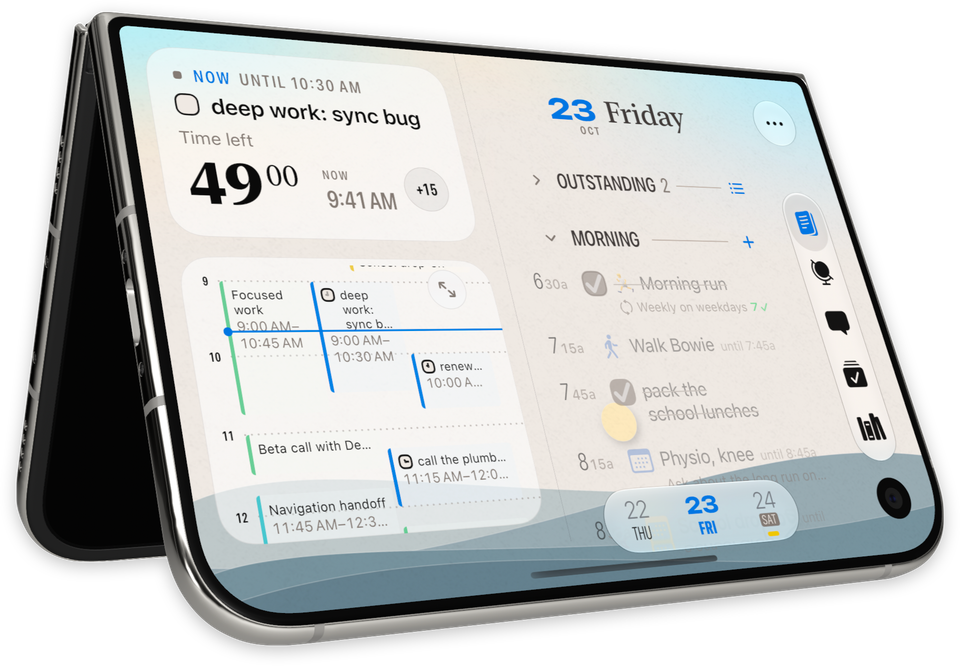
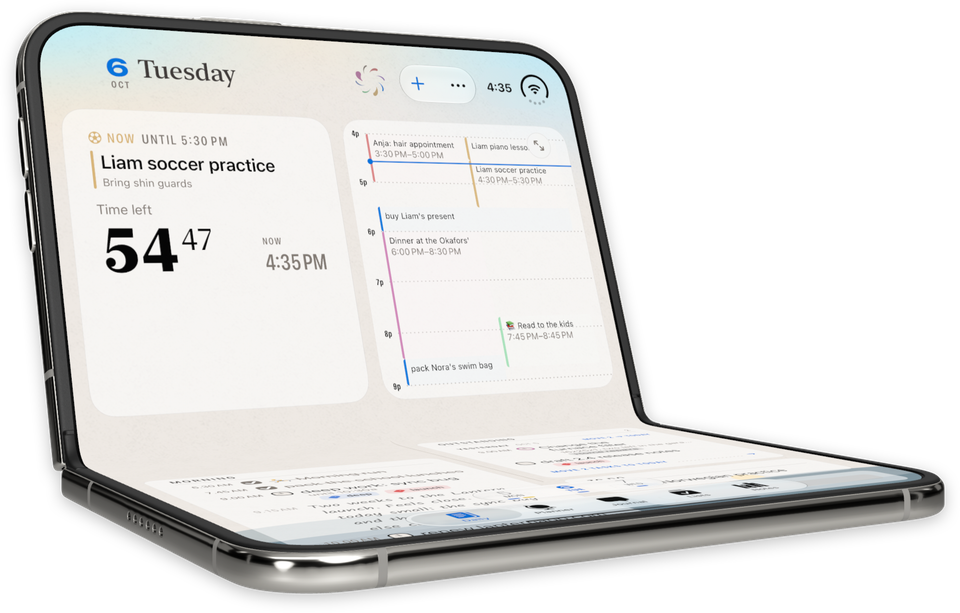
- iPhone in landscape opens to Clock and Timeline next to your agenda
- Hold an empty spot on the Timeline for a New Task at that time
- Swimlanes zoom by Day, Week, Month or Fit, with pinch or Cmd+ / Cmd-
- On Mac, a file's swimlanes open in their own window that follows your edits
- Done habits in Daily are no longer struck through
- Better typing experience in long Journal entries and notes
- A nicer expanded Dynamic Island
And starting next week, Becki Faska, a prolific Finalista, kicks off a weekly series on how she puts Finalist to work, with power tips to get you ready for 2027.
Vancouver meetup
Are you in Vancouver this week (Nov 30 to Dec 6)? We're planning a very casual coffee/tea get-together downtown, date to be decided. Reply to this email or say hi on Discord.
Until next time,
Slaven